5
Features
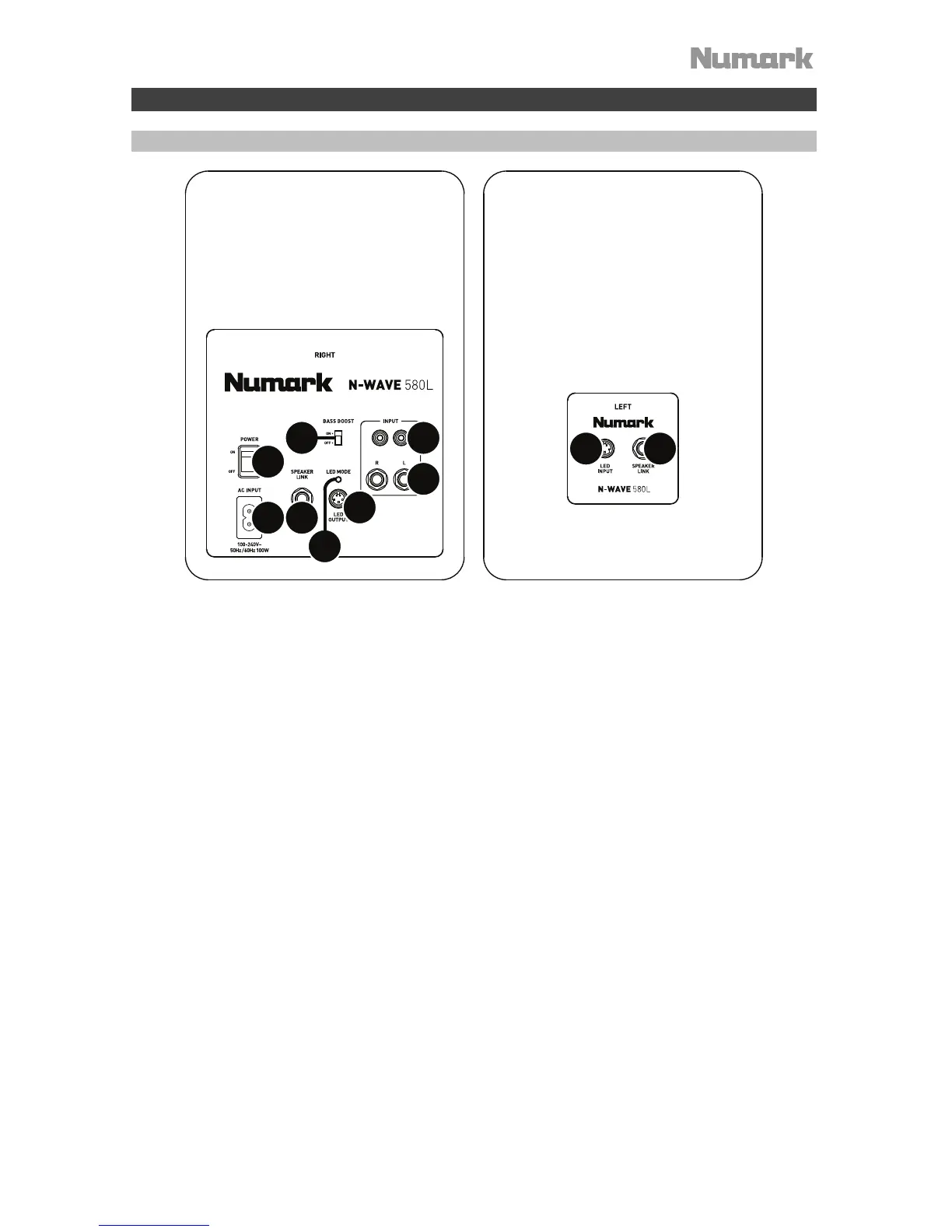
Rear Panel
1
2
3
4
5
6
7
8
9
10
1. Power Input: Use a power cable (included) to connect this to a power outlet.
2. Power Switch: Use this switch to power N-Wave 580L on or off. Turn on N-Wave 580L
after all input devices have been connected.
3. Speaker Link (Right): This is the audio connection to the left speaker. Use the included
1/4” (6.35mm) TRS cable to connect the right speaker to the left speaker.
4. Speaker Link (Left): This is the audio connection from right speaker. Use the included
1/4” (6.35mm) TRS cable to connect the left speaker to the right speaker.
5. Output to Left LED: This is the LED connection to the left speaker. Use the included 4-pin
LED connection cable to connect the right speaker to the left speaker.
6. Input from Right LED: This is the LED connection from right speaker. Use the included 4-
pin LED connection cable to connect the left speaker to the right speaker.
7. LED Mode: Press this button to cycle through the available light modes:
• Off: The lights will be off.
• Pulsate Mode: The audio signal will cause the lights to pulse. When there is no
audio signal, the lights will enter Slow Cycle Mode.
• Slow Cycle Mode: The lights will illuminate and change colors regardless of the
music playing.
8. Inputs (RCA): Connect your audio interface, mixer, etc. to these inputs, using a standard
RCA cable.
9. Input (1/4” / 6.35 mm TRS): Connect your audio interface, mixer, etc. to this input, using
standard 1/4” (6.35 mm) TRS cables.
10. Bass Boost: This two-position switch allows you to boost the speakers’ bass frequencies.
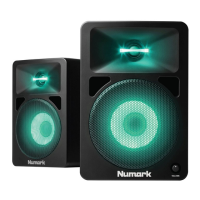
11. Vol (front panel, not pictured): Use this knob to adjust the speaker’s volume.


 To Next Page