16
Playback mode display changes to SA (Shuffle All).
When SHUFFLE REPEAT is selected, all tracks in the album will be repeated in random order.
Playback mode display changes to SR (Shuffle Repeat).
DIGITAL INPUTS: COAXIAL
Briefly press the Power/Volume knob on the front panel or CH+ & CH- buttons on the remote control to switch through
channels to select COAXIAL.
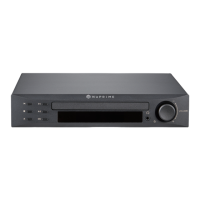
When COAXIAL is selected, CDP-9 will display the set volume and sample rate with 2 second interval.


 To Next Page