23
Function: SRC
SRC allows you to up-sampling or down-sampling your sampling rate to your desire value.
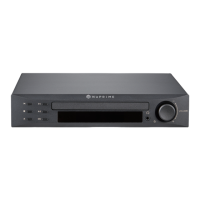
To set SRC, press SRC on the front panel or the remote control to bring up the SRC menu, use volume control on the
front panel knob or Vol+ and Vol- on the remote control to toggle through all the values. Once a desired value is selected,
press SRC button again to set.
Please note that once SRC menu is active, all other function is disable until SRC is set.


 To Next Page