17
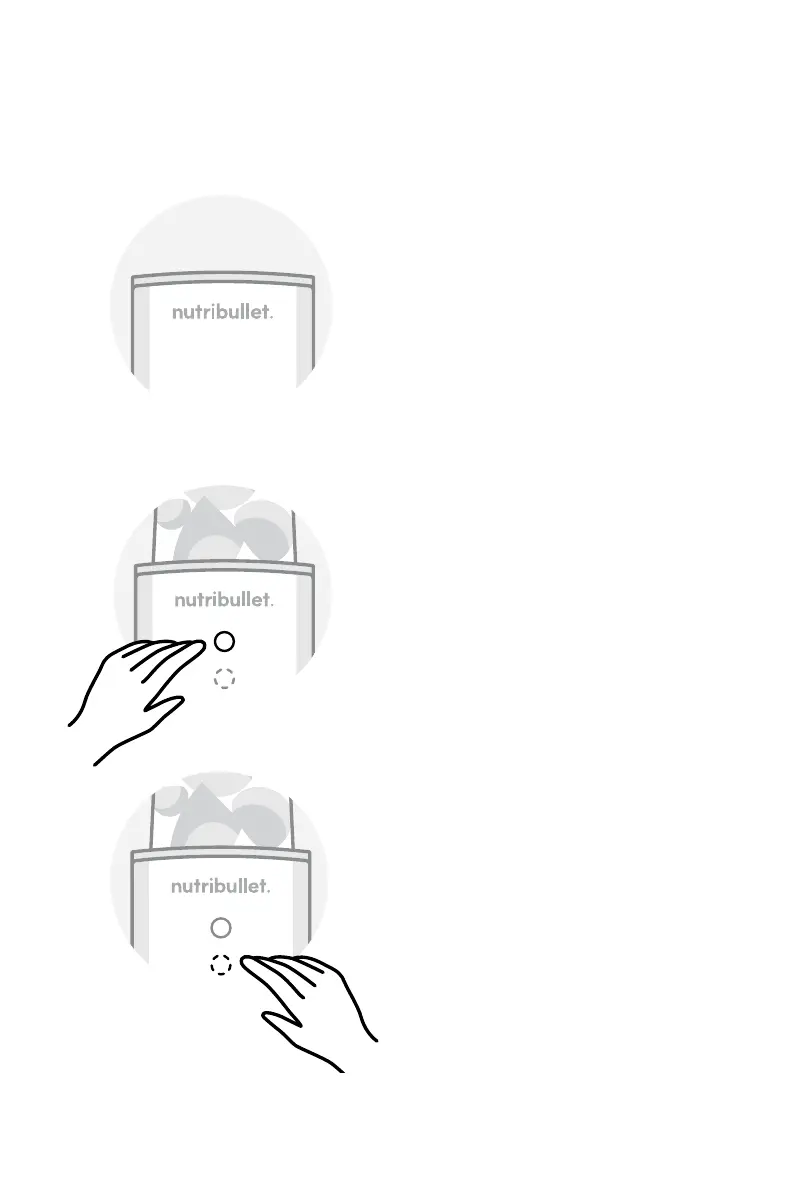
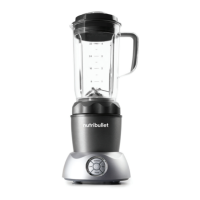
Control panel
OFF
The Control Panel is not
illuminated.
PULSE
After twisting the Blade/Cup
assembly onto the Motor
Base, the Control Panel will
appear. Press and hold the
Dashed Circle on the Control
Panel to activate the pulse
feature. For short, intermittent
pulses, tap the Pulse icon. For
longer pulses, tap and hold the
Pulse icon until your desired
consistency is reached.
BLEND
After twisting the Blade/Cup
assembly onto the Motor Base,
the Control Panel will appear.
Touch the illuminated Solid
Circle icon on the Control
Panel to activate the automatic
30-second blending program.


 To Next Page