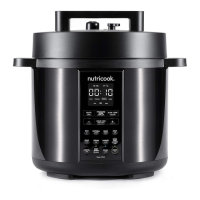
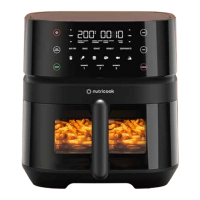
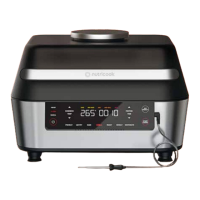
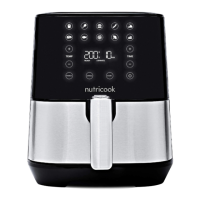
Preset cooking programs.
Temperature control.
Time control.
Preheat button.
Air frying indicator.
Ready indicator.
Shake reminder.
Start button.
Power button.
Cancel button.
Preset cooking programs have automatic temperature and time settings
(see Preset Programs Table for the default time and temperature). Select
any of the following cooking program by pressing the icon. The selected
program blinks/flashes and becomes steady if the START or
CANCEL button is pressed.
Fries Steak
Chicken Fish
Burger Pizza
Sausage Broccoli
Samosa Cake
Use + for increasing temperature value.
Use – for decreasing temperature value.
Press and hold both + and – simultaneously to switch
temperature unit from °C to °F (and vice versa).
Use + for increasing time value.
Use - for decreasing time value.
Use to preheat the Air Fryer before cooking to save time and
improves the texture of the food.
Blinks when the air fryer is cooking.
Displayed when preheating is completed. This indicates that Air
Fryer is ready for cooking.
Blinks halfway through cooking time of some preset cooking program as a
reminder to shake or flip food.
Use to Start cooking. Remains illuminated until unit is O.
Use to turn the unit ON/OFF.
Use to cancel a program at any time (during program selection
or during cooking cycle).
Pressing this button will return the unit display to default
temperature and time.
5
6
7
8
9
10
12
13
14
11
19
19


 To Next Page