nuvera.net
7
Parental Controls
How to set your PIN for the first time
1. Press Menu.
2. Select the house icon.
3. Use the arrow buttons to select Parental Controls.
4. Enter a 4-digit code for your PIN. You will be asked to enter it a second time to
conrm.
5. You can select the type of controls you want to set – channels, ratings, content, etc.
by selecting those options.
Frequently Asked Questions
What channel does my TV need to be on?
Your TV needs to be on channel 3 to operate with the cable box.
What can I do if my TV is not working?
If the TV is not working, unplug the cable box for a few minutes. After plugging it back
in, it will take a few minutes to come back on.
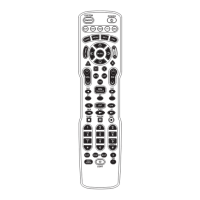
What can I do if my remote is not working?
Try changing the batteries with two AA batteries. If this does not work, please call your
local Nuvera oce.
Where can I find additional information on programming my remote
and/or set-top box?
Additional user guides and information can be found at nuvera.net under Support.


 To Next Page