Step 1. Click Start ➙ All apps ➙ Settings ➙ Accounts.
Step 2. Click Family & other users.
Step 3. Under Other users, click the user name of the account you want to change then
click Change account type.
Step 4. Change the account type in the pull-down menu.
Important: Be extremely careful when granting administrator permission. An Administrator account
can change security settings, delete important system files, and make changes that may affect others.
The Start menu and the Action Center
There are two places worth mentioning about the main user interface of Windows 10.
One is the Start menu in the lower left corner and the other is the Action Center in the
lower-right corner.
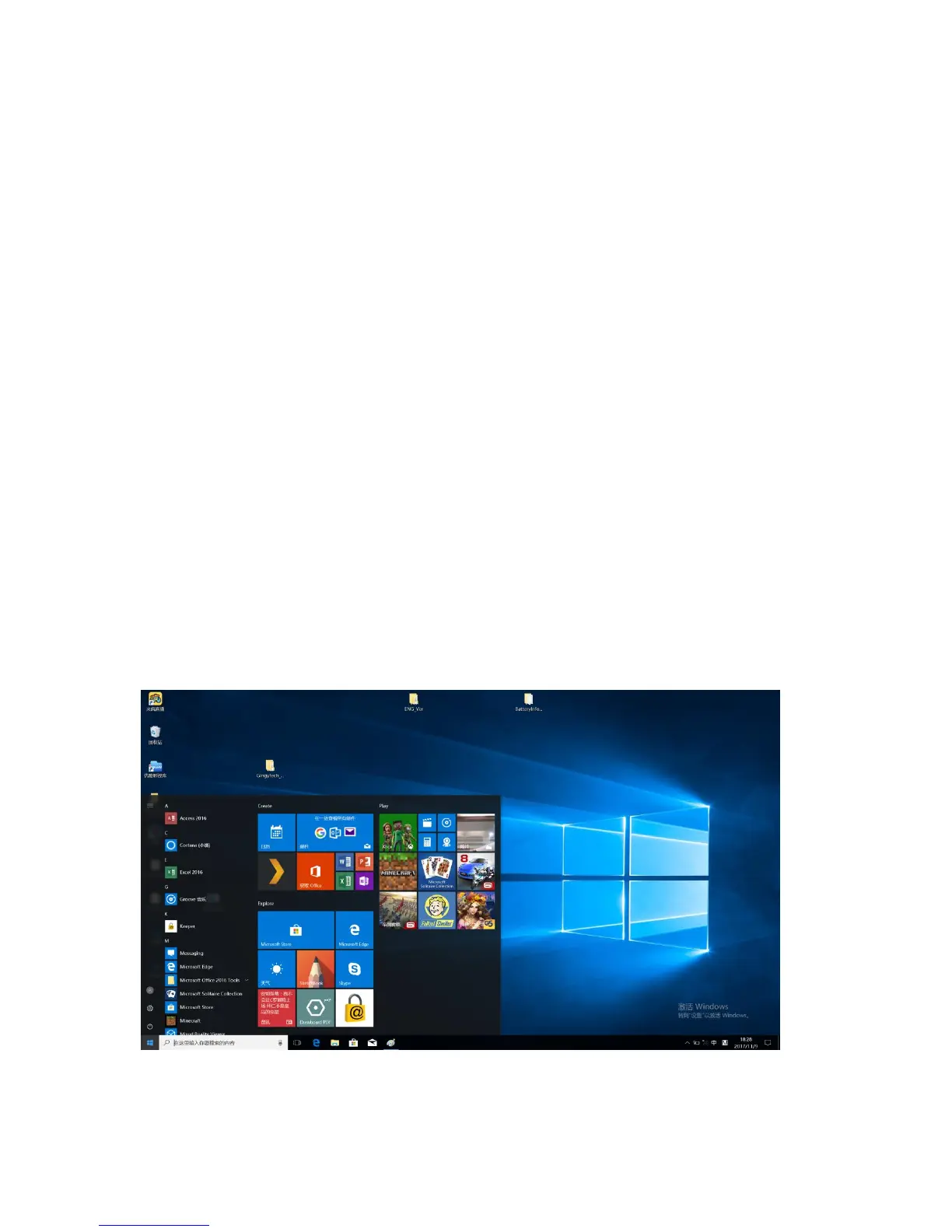
The return of the Start menu
If you click the Start button in the lower-left corner, you’ll notice that the Start menu is
back with Windows 10. The Start menu not only brings back convenience, but also it is
more powerful.
The power button


 To Next Page
 Loading...