The power button is in the Start menu. Click it and you can choose to shut down or
restart the computer, or put the computer into sleep mode.
Locate apps
Apps that you use frequently will be displayed under Most used in the Start menu. If you
cannot find an app there, click All apps and locate it through the alphabetically ordered
apps list.
Pin apps to Start or the taskbar
If you use an app frequently, you can pin it to Start or to the taskbar.
Step 1. Locate the app under Most used or All apps.
Step 2. Right-click on the app name then select Pin to Start or Pin to taskbar.
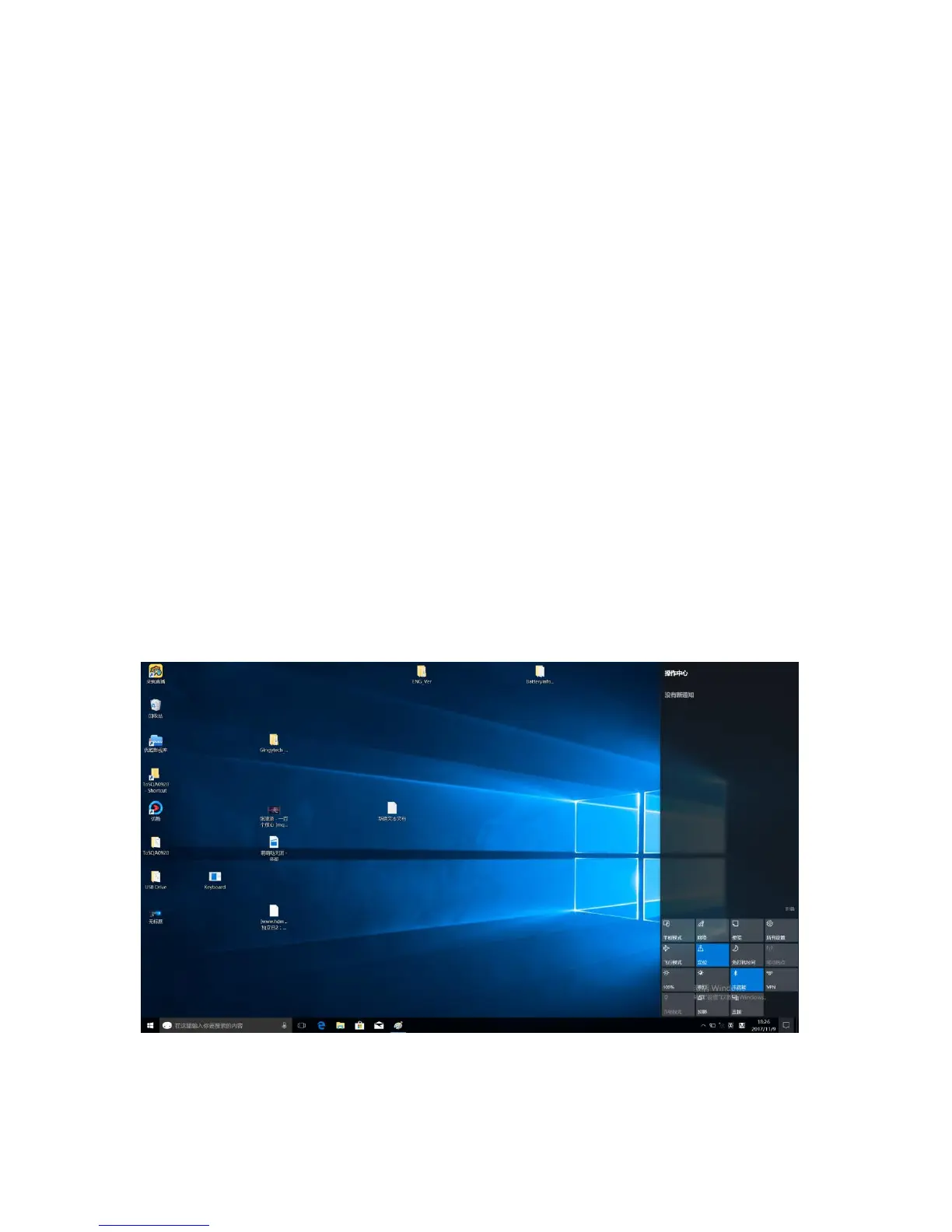
The Action Center
On the far right of the taskbar is the notification area. Click the Action Center icon in the
notification area and the Action Center is displayed.
From the Action Center, you may examine important notifications from Windows and


 To Next Page
 Loading...