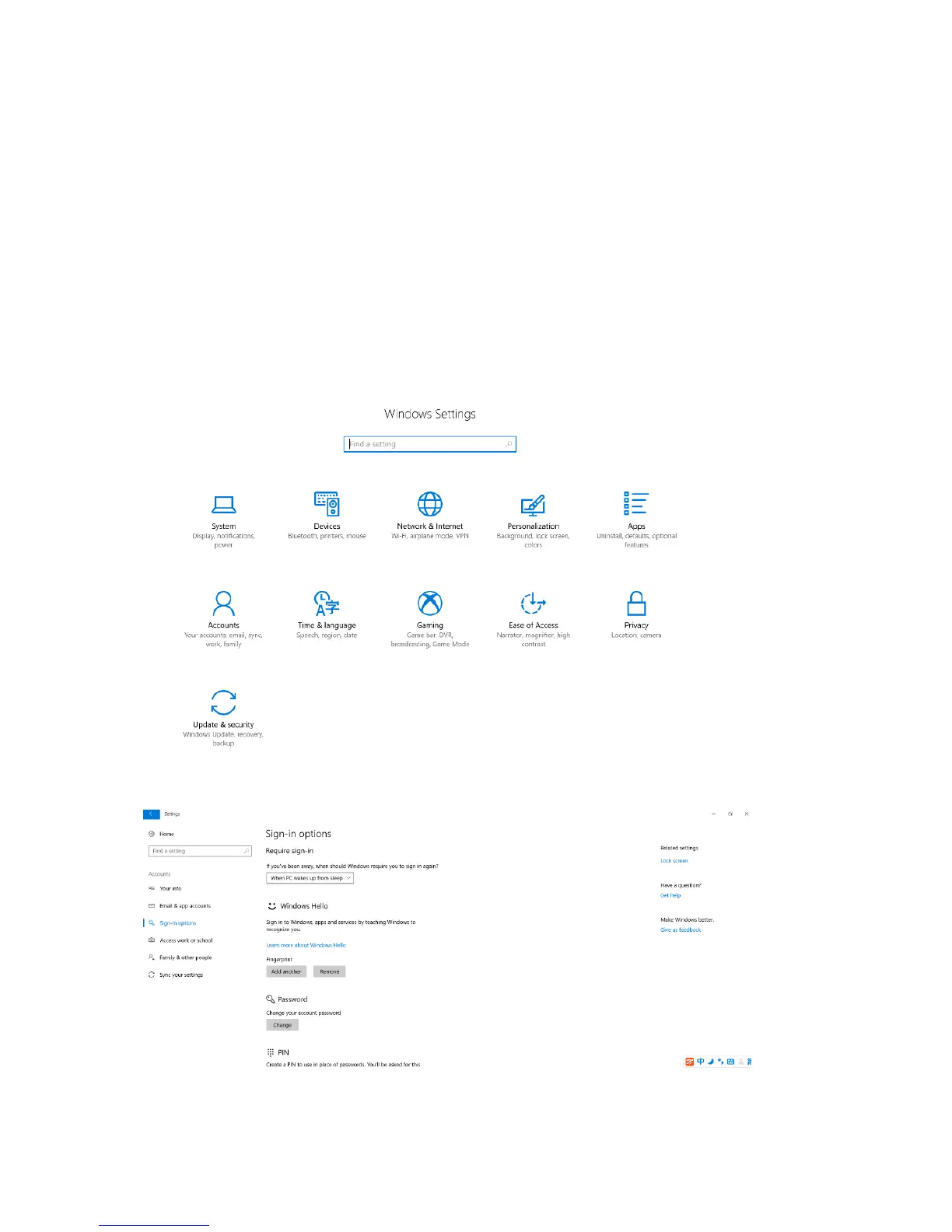
your apps. More conveniently, you can change common settings quickly
Shut down the computer or put the computer to sleep mode
In Windows 10, shutting down the computer is much easier.
Step 1. Click the Start button.
Step 2. Click Power then select Shut down or Sleep.
Windows Hello & Fingerprint register
Setting->Sign-in options:



 To Next Page