instructions
nuwavenow.com
14 15
ENGLISH
nuwavenow.com
INSTRUCTIONS
14 15
SEAR Function
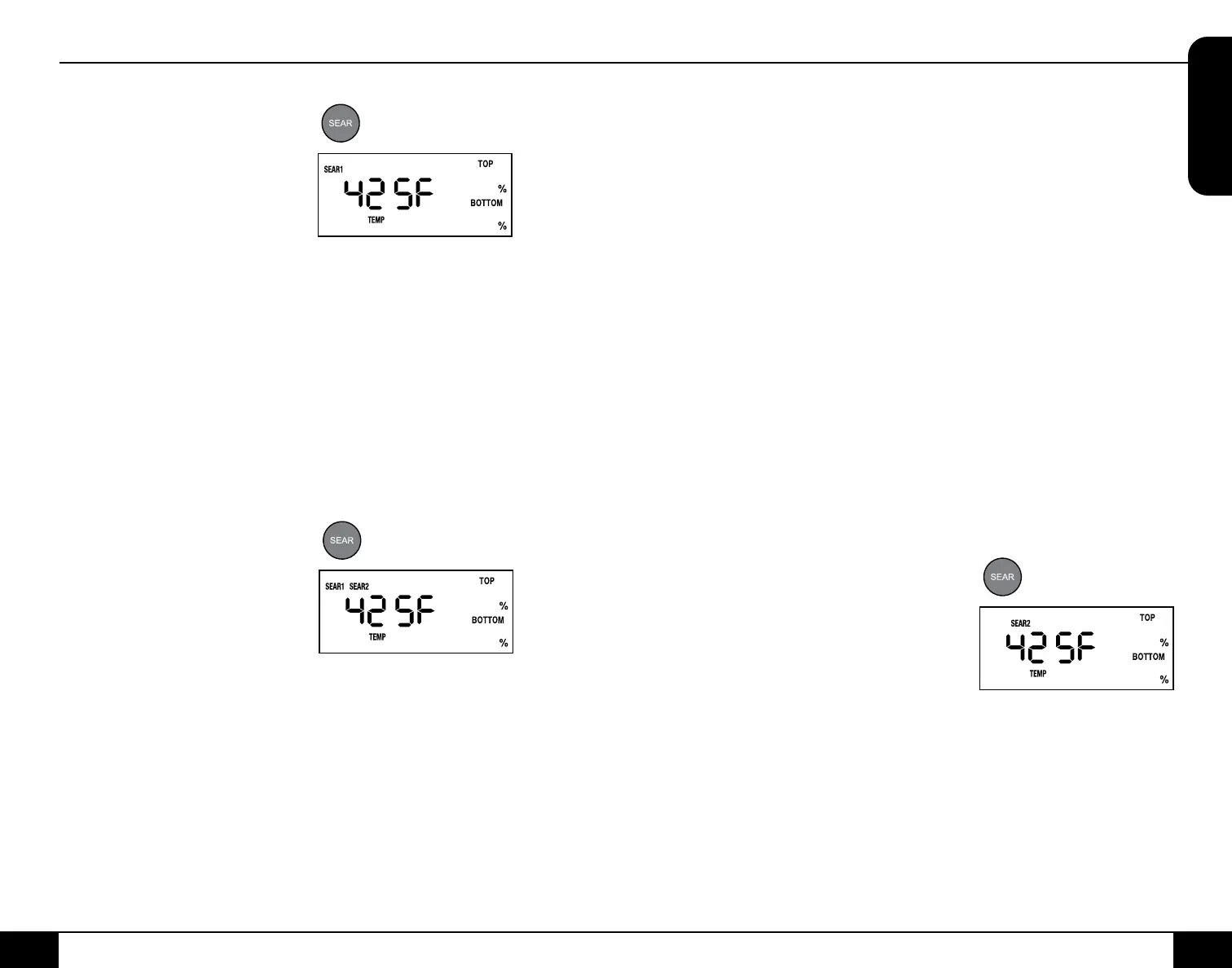
SEAR 1
SEAR 1 will always be BEFORE
the regular cooking stage.
Default - 450°F, 5 minutes.
1. Press ON/OFF.
2. Press SEAR once.
3. Press START/PAUSE. The
Primo will preheat at 450°F and
then sear at 450°F for 5 minutes
and then cook at 350°F for 15 minutes (default).
• When the Primo is finished cooking, End will be displayed.
To adjust your regular cooking temperature and time:
1. Press ON/OFF.
2. Press Up or Down arrows to adjust the desired temperature.
3. Press TEMP/TIME. Press the Up or Down arrows to adjust to
your desired time.
4. Press SEAR once.
5. Press START/PAUSE.
• The Primo will preheat at 450°F and then sear at 450°F for
5 min., cook at selected temperature and time, and finish
cooking and display End.
SEAR 1 2
Default - 450°F, 10 minutes.
1. Press ON/OFF.
2. Press SEAR three times.
3. Press START/PAUSE.
• The Primo will sear your food
at 450°F for 5 min. (SEAR
1), then cook at 350°F for
15 min. (default). Next, it will sear again at 450°F for 5 min.
(SEAR 2).
• When the Primo is finished cooking, End will
be displayed.
To adjust your regular cooking temperature and time:
1. Press ON/OFF.
2. Press Up or Down arrows to adjust the desired temperature.
3. Press TEMP/TIME. Press the Up or Down arrows to adjust the
desired time.
4. Press SEAR twice.
5. Press START/PAUSE.
50
50
• The Primo will preheat at 450°F and then sear at 400°F for 5
minutes (SEAR 1), cook at selected temperature and time, sear
again at 450°F for 5 minutes (SEAR 2), and then finish cooking
and will display End.
Setting different SEAR 1 and SEAR 2 temperatures and times:
1. Press ON/OFF.
2. Press SEAR once. SEAR 1, TEMP, and 450F will be displayed.
To adjust the SEAR 1 cooking temperature and time:
3. Press Up or Down arrows to adjust to the desired temperature.
4. Press TEMP/TIME. Press Up or Down arrows to adjust to your
desired time.
5. Press SEAR again. SEAR 2, TEMP, and 450F will be displayed.
To adjust the SEAR 2 cooking temperature and time:
6. Press Up or Down arrows to adjust to your desired temperature.
7. Press TEMP/TIME. Press the Up or Down arrows to adjust to your
desired time.
• The Primo will cook SEAR 1 at set temperature and time,
cook at 350°F for 15 minutes (default), then cook at SEAR 2
at the set temperature and time.
Notes:
• Press SEAR four times to clear out the Sear function.
• Preheat temperature for all Sear functions is 450°F.
• Maximum Temp and Time for all sear functions is 5 minutes.
SEAR 2
SEAR 2 will always be AFTER the
regular cooking stage. Default -
450°F, 5 minutes.
1. Press ON/OFF.
2. Press SEAR three times.
3. Press START/PAUSE.
• The Primo will cook your food
at 350°F for 15 min. (default), then sear at 450°F for 5 min.
(SEAR 2). When the Primo is finished cooking, End will be
displayed.
To adjust your regular cooking temperature and time:
1. Press ON/OFF.
2. Press Up or Down arrows to adjust to your desired temperature.
3. Press TEMP/TIME. Press Up or Down arrows to adjust the
desired time.
4. Press SEAR three times.
5. Press START/PAUSE.
50


 To Next Page
 Loading...