Hardware Installation
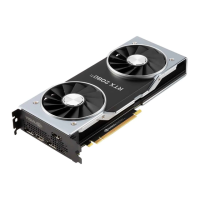
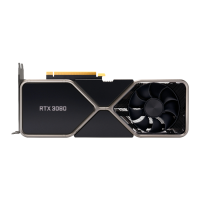
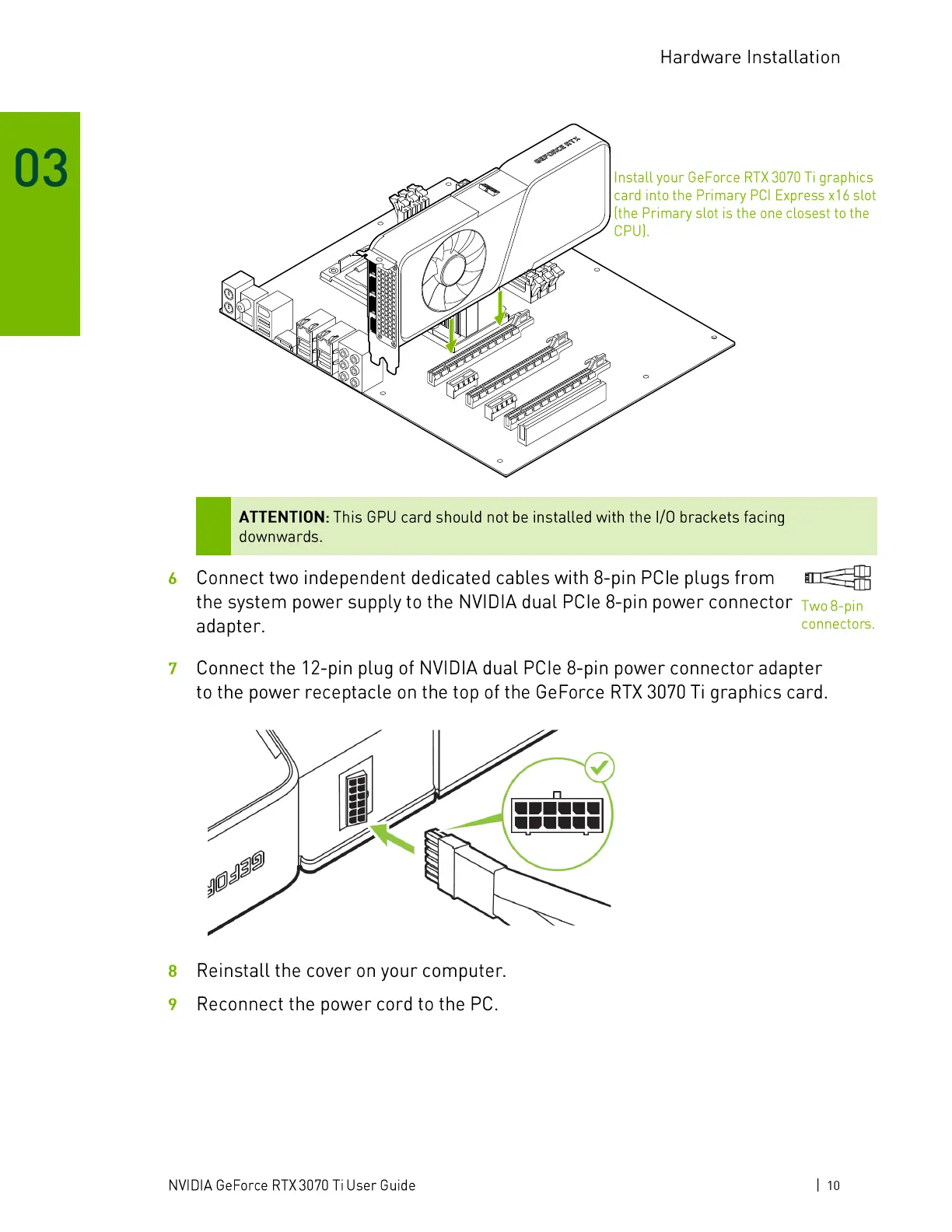
Install your GeForce RTX 3070 Ti graphics
card into the Primary PCl Express x 16 slot
(the Primary slot is the one closest to the
CPU).
ATTENTION: This GPU card should not be installed with the 1/0 brackets facing
downwards.
Connect two independent dedicated cables with 8-pin PCIe plugs from
the system power supply to the NVIDIA dual PCIe 8-pin power connector
Two 8-pin
6
7
8
9
adapter.
connectors.
Connect the 12-pin plug of NVIDIA dual PCIe 8-pin power connector adapter
to the power receptacle on the top of the GeForce RTX 3070 Ti graphics card.
Reinstall the cover on your computer.
Reconnect the power cord to the PC.
NVIDIA GeForce RTX 3070 Ti User Guide
1 10


 To Next Page
 Loading...