8
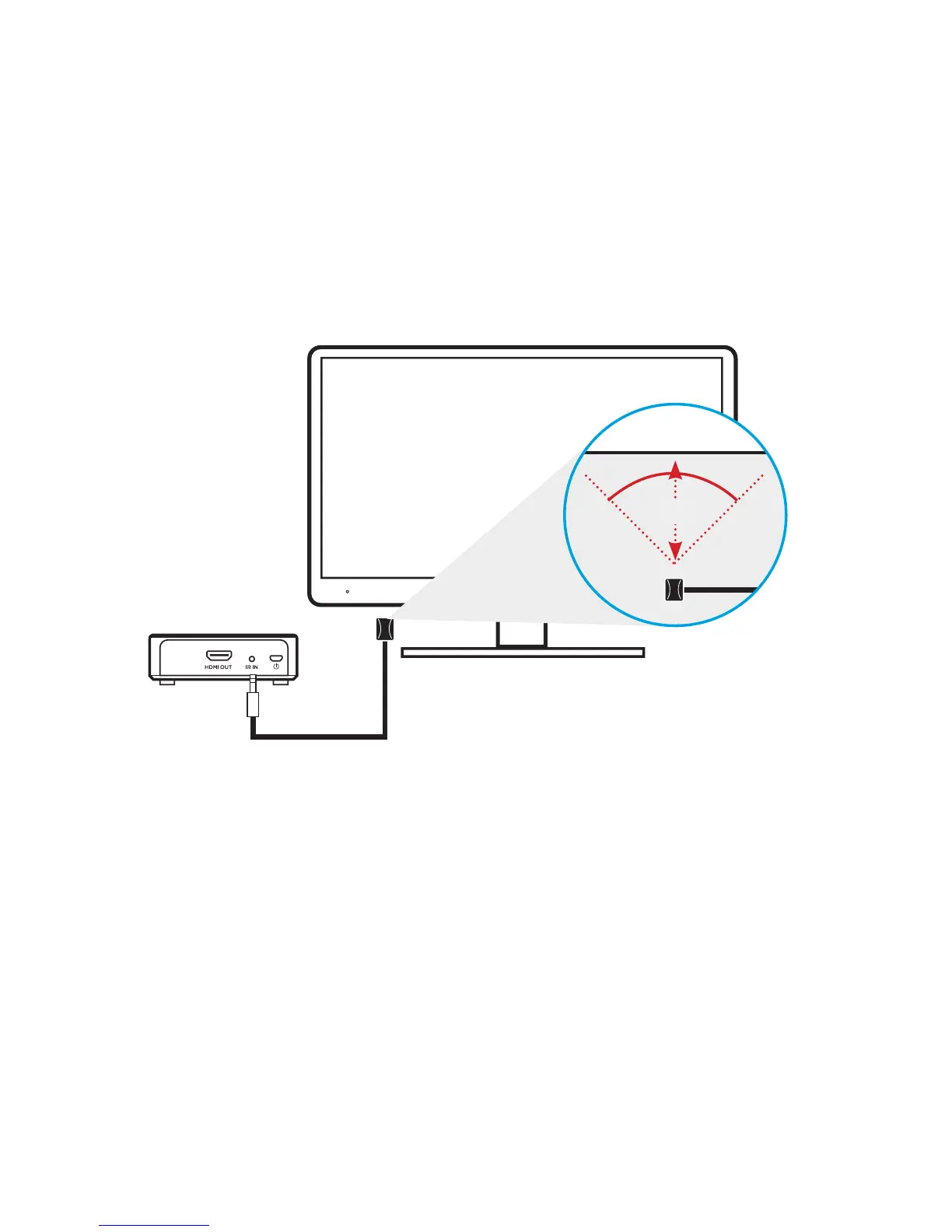
3. Plug the external IR receiver into the IR IN socket on the back of the receiver
4. Place the IR remote receiver bubble in front of the TV
SPLASH SCREENS
IR OUTHDMI IN HDMI OUT
HDMI 1 HDMI 2
CONNECTING SCREEN:
Receiver is searching for
Transmitter. Please wait.
TROUBLESHOOTING SCREEN:
Receiver has not yet found
Transmitter, please check the
displayed tips to ensure connection.
PAIRING MODE SCREEN:
Receiver has entered manual
pairing mode.
LED Behavior
WHEN CONNECTED:
LED will remain solid white permanently
WHEN NOT CONNECTED:
LED will turn on for 1 second, then off for
3 seconds and repeat
DEVICE
RECEIVER
IR OUTHDMI IN HDMI OUT
TRANSMITTER
TRANSMITTER
HDMI 1 HDMI 2
IR OUT
IR OUT IR INPOWER POWER
HDMI IN
HDMI IN
HDMI OUT
HDMI OUT HDMI OUT
DEVICE
IR
IR sensor must be in front
of IR window of device.
Pairing Button:
To use to pair with additional receivers or to
manually repair included Transmitter and
Receiver.
NOTE: Tranmitter and Receiver are already
paired when manufactured.



 To Next Page