05
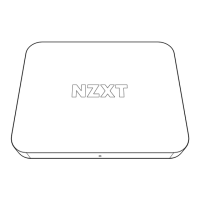
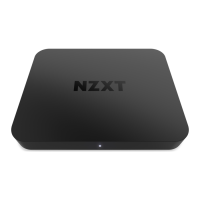
3. CAPTURE CARD OVERVIEW
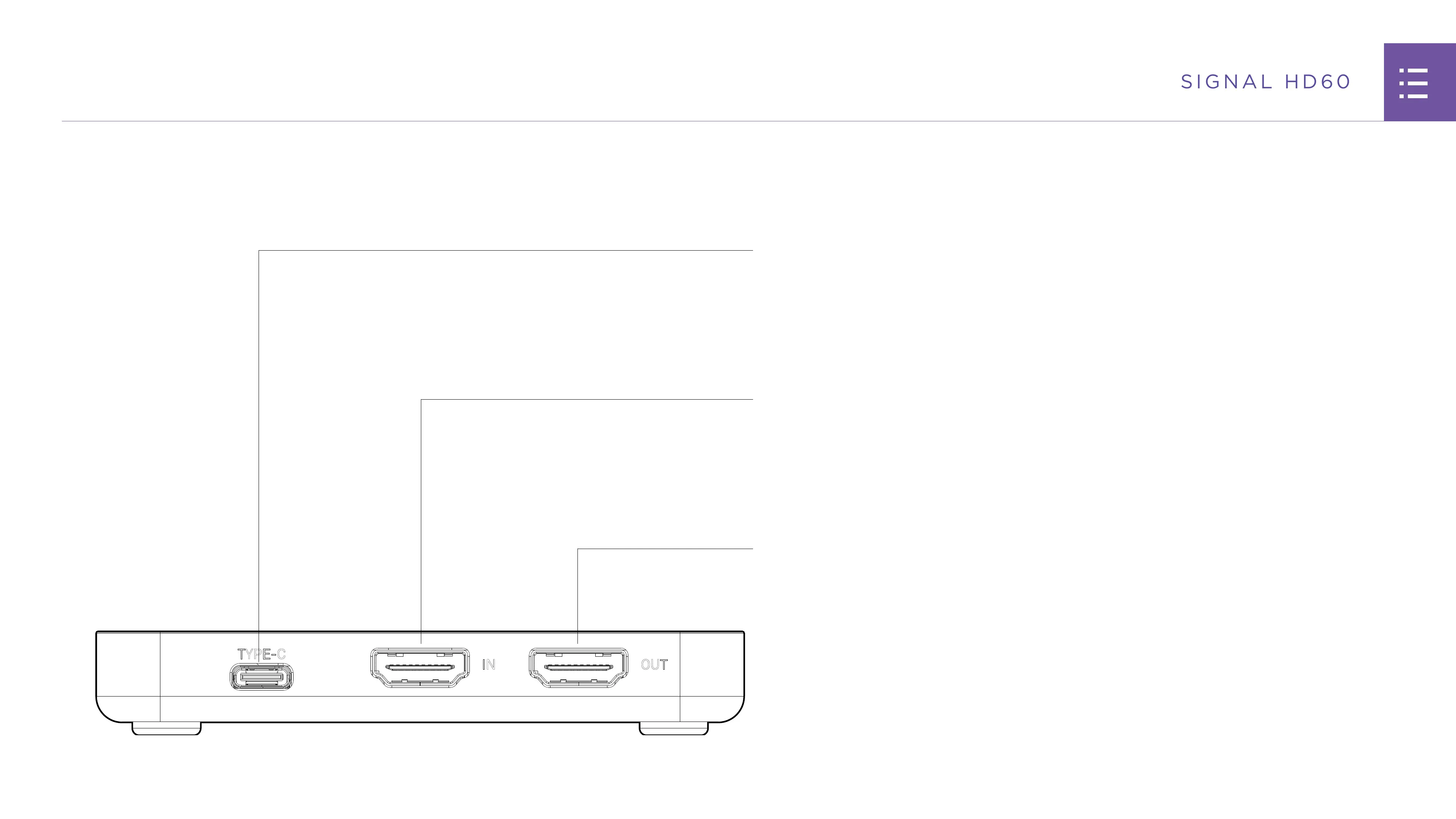
TYPE-C:
Connect the USB-C end of the included cable to this port
on the capture card. Plug the USB-A end into a USB 3.2
(Gen 1) compatible port on your computer
IN:
Plug the included HDMI cable into this port on the capture
card. Plug the other end into the device you want to
capture such as a gaming PC, console, camera, or mobile
device
OUT:
This port allows for zero-lag passthrough and is optional.
Plug an HDMI 2.0 cable into this port. Plug the other end
into your gaming monitor


 To Next Page