Home
NZXT
Computer Hardware
HD60
Page 9
NZXT HD60 - Page 9
27 pages
Manual
Save Page as PDF
To Next Page
To Next Page
To Previous Page
To Previous Page
Loading...
08
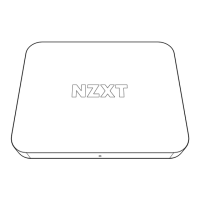
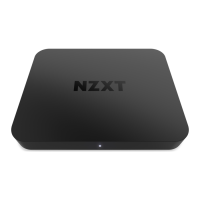
SIGNAL HD60
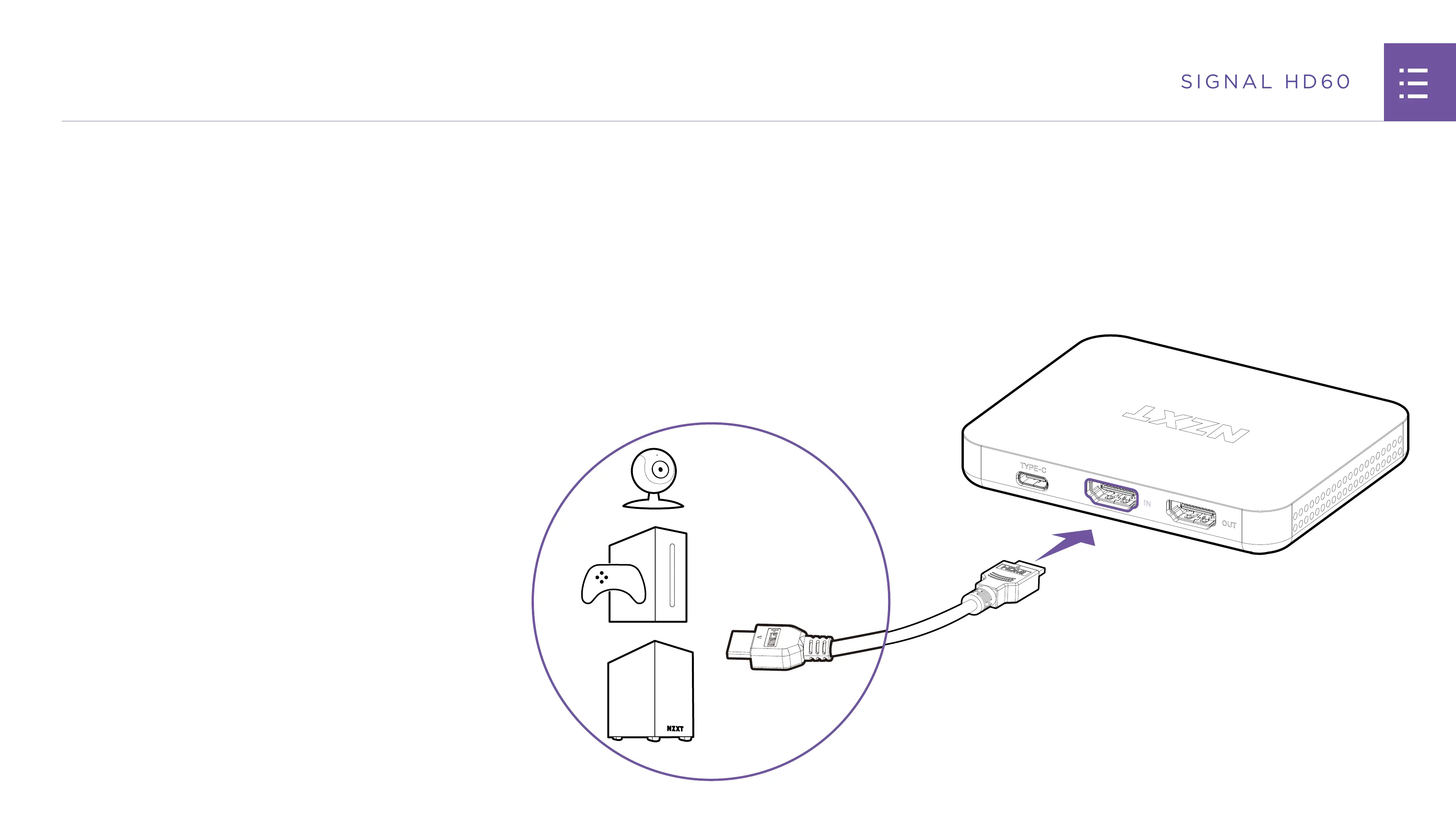
SETTING UP THE CAPTURE CARD
TYPE-C
IN
OUT
S
TEP 3
Using the included HDMI cable
, plug one end into the “IN”
port on the captur
e car
d, and the other end int
o the de
vic
e
y
ou w
ant to captur
e such as a gaming PC, console
, camer
a,
or mobile de
vic
e.
8
10
Related product manuals
NZXT H7
36 pages
NZXT H7 FLOW
36 pages
NZXT H7 ELITE
38 pages
NZXT H5 ELITE
35 pages
NZXT H9 ELITE
39 pages
NZXT H6 Series
17 pages
NZXT SIGNAL HD60
27 pages
NZXT KRAKEN M22
2 pages
NZXT KRAKEN Z53
37 pages
NZXT KRAKEN ELITE
40 pages
NZXT KRAKEN X63 RGB
40 pages
NZXT KRAKEN X73 RGB
40 pages


 To Next Page