《
》
【
】
【
INSTALLATION OF THE SOFTWARE
】
《
》
【
】
serial communication port connection
【
】
・
・CAN setting of the ECU is made by using a serial signal converter and CAN setting software{CAN
setting_xxxx.exe}(xxxx:Version number) .
・An Windows®(7/8.1/10) personal computer with a RS232C serial port, or a converter from RS232C
toUSB and a USB port. Install the device driver in advance in case of using a converter from RS232C
toUSB.
・Copy the CAN setting_xxxx.exe file to any file in the PC, then execute the file.
・When you intend to delete the software, just delete the CAN setting_xxxx.exe file.
communication protocol
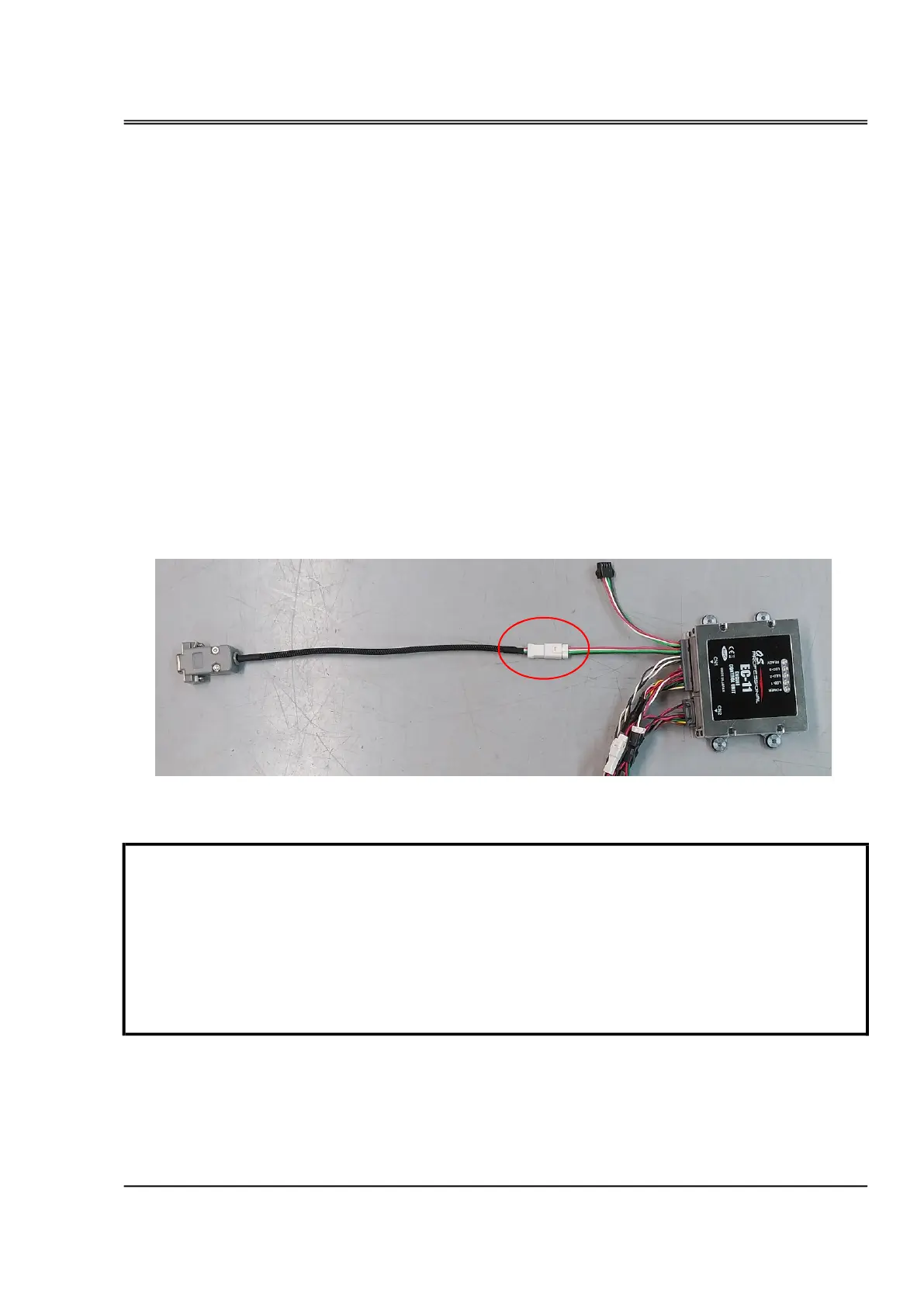
・Connect the serial signal converter to the Serial Communication Connector (A-2) of the ECU.
・Connect the D-sub connector of the serial signal converter to the RS232C serial port of the PC or to the
serial port of the RS232-to-USB converter.
・Do not turn on the ECU when the fuel tank is empty.Operating the pump without fuel may
damage the pump.
・In case you need to turn on the ECU without fuel supply, for example, to rewright the settings
by CAN Setting software, disconnect the connector of the pump not to let the pump
activate.Thirty seconds after disconnecting the connector, the buzzer rings alarming abnormality
of fuel pressure, but you can stop it by clicking "BUZZ OFF" button in CAN setting_xxxx.exe
serial signal converter
to PC
A-2


 To Next Page
 Loading...