Help and troubleshooting advice can be found at www.o2.co.uk/xda – 9
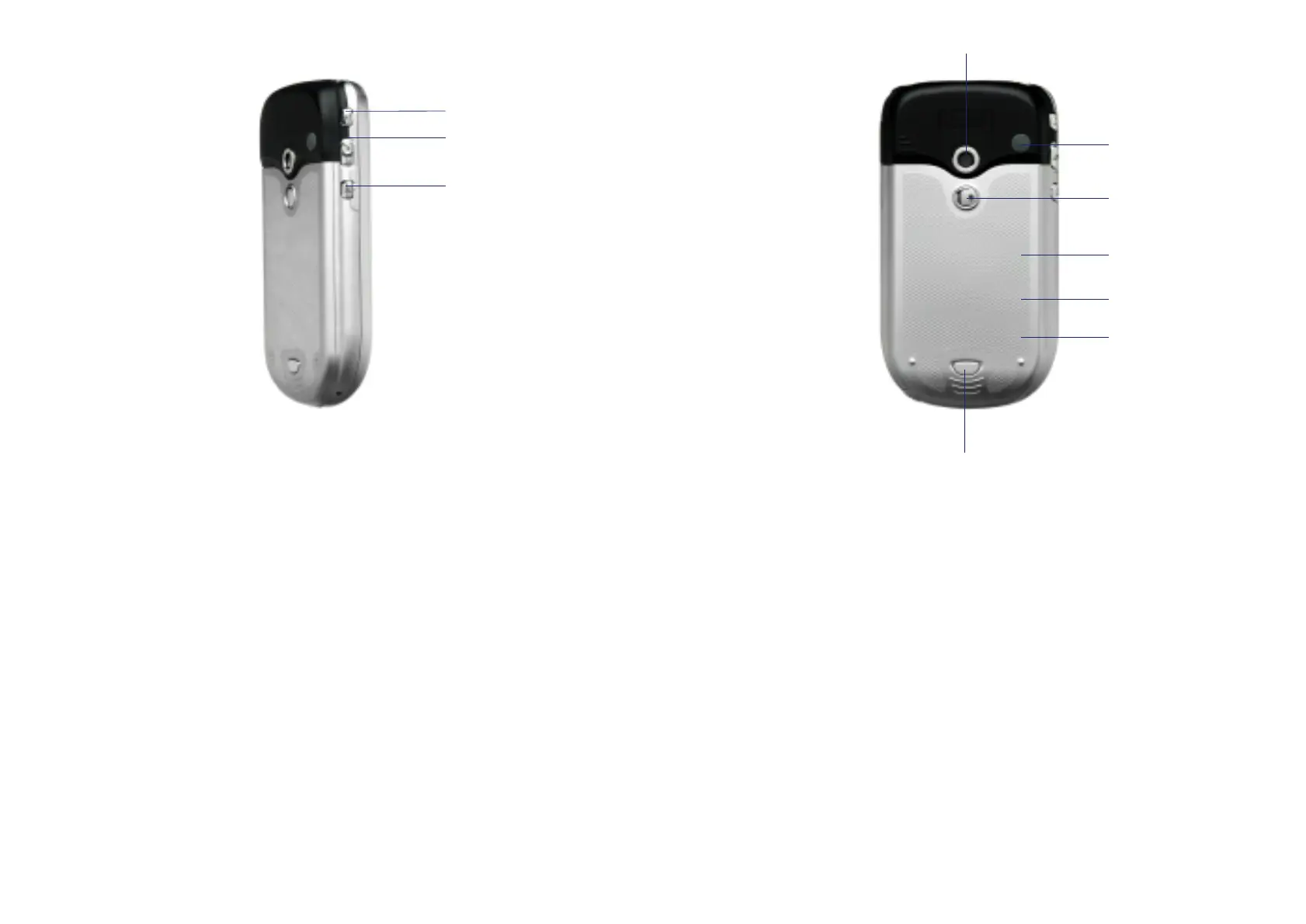
5 Main battery unit
The main battery is found under the
battery and SIM cover.
6 SIM reader
The SIM reader is located beneath the
main battery.
7 Battery/SIM cover button
Depress to remove the battery cover.
Back panel components
1 Camera
Allows you to take pictures and video clips.
2 Aerial Connector
Remove the cover to use with the
Xda II carkit.
3 Mirror
Use when taking pictures of yourself.
4 Battery/SIM cover
The cover is removable, and the battery
and SIM are found beneath it.
Side components
1 Record button
Press for quick access to the record
function which allows you to make
sound recordings. Hold to start recording
and release to stop recording.
2 Volume Control
Push up or down to change the volume.
3 Camera button
Press to go directly to the camera.
8
2
3
1
7
3
2
4
5
6
1



 To Next Page