QUICK REFERENCE
IMPORTANT:
CHARGE THE BATTERY BEFORE USING
The internal battery requires a full 3 hour charge before initial use. With the USB cable, connect
OAKLEY THUMP
™
directly to your computer’s USB port. OAKLEY THUMP will draw electricity
from your computer to charge its internal battery. Please note the following:
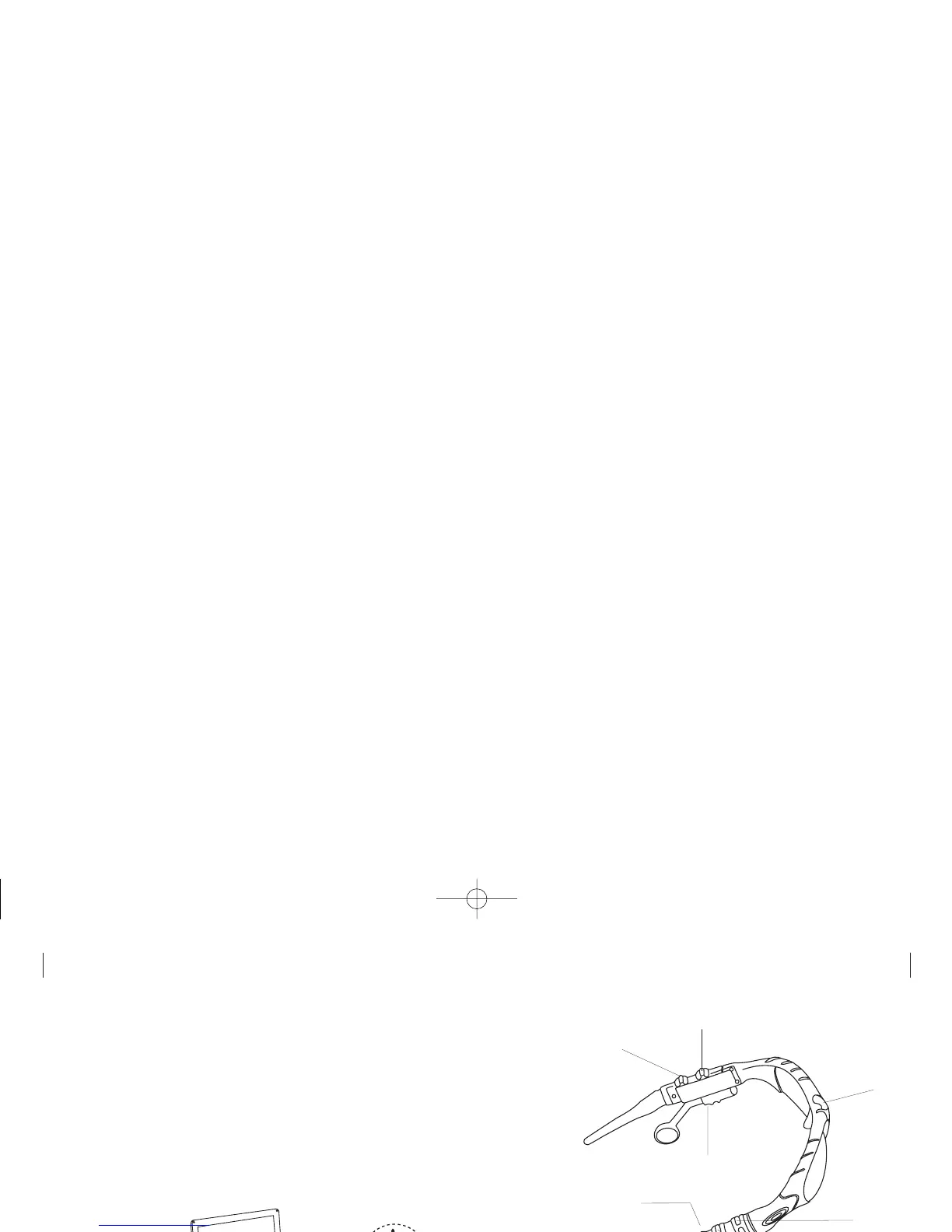
• The USB cable plugs into the bottom of OAKLEY THUMP, behind the ear boom on the right
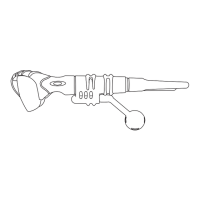
side. Be sure the earphone extender is pushed in (fully forward) to expose the Mini-B USB
receptacle in the eyewear frame. Release the protective cover from the connection port to
plug in the cable.
• When plugging in the USB cable, be sure you have the right cable and the right connection
port on your computer. Be sure to align the plug correctly. If the plug will not go in, try flipping
it over.


 To Next Page