Home
Obdstar
Diagnostic Equipment
MS80
Page 18 (User Login Procedure)
Obdstar MS80 - User Login Procedure
75 pages
Manual
Save Page as PDF
To Next Page
To Next Page
To Previous Page
To Previous Page
Loading...
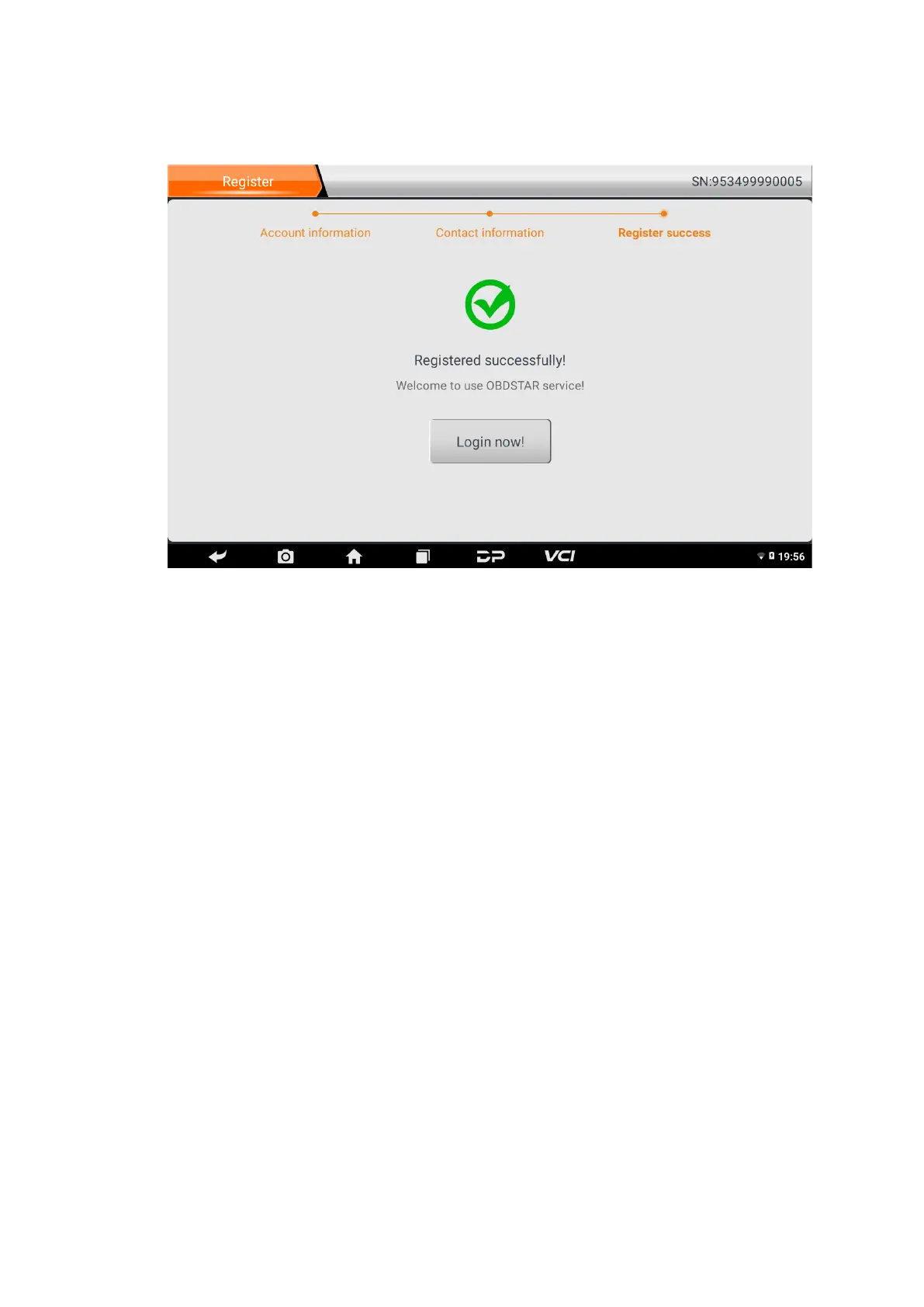
Fill in
the information in
each f
ield
.
After that, the
registr
ation is
succe
ssful, cl
ick “L
o
gin
n
ow!
”
If yo
u ha
ve r
egis
ter
ed to be a member
, click “
U
ser
login
” to
enter user log
in page
, as following pictu
re
shown:
17
19
Table of Contents
Main Page
Technical Parameters
4
Using Battery
9
About Desktop
10
Customize Your Desktop
11
On Using Touch Screen
12
Lock&Unlock
13
Input Method
14
Personal Center
16
Start Diagnosing
27
Video Center
36
Remote Assistance
40
Language and Input Method
59
Set Date and Time
60


 To Next Page