Upgrade: To download diagnostic software or upgrade
diagnostic software to the latest version.
Support Center: Provides abundant automotive
technology, video data, handbook and repair case for
your reference, and also including relevant
information of this product.
5 START DIAGNOSING
Tap on the main menu screen, and then choose
“Moto Diag” to enter the function selection and
vehicle selection page.
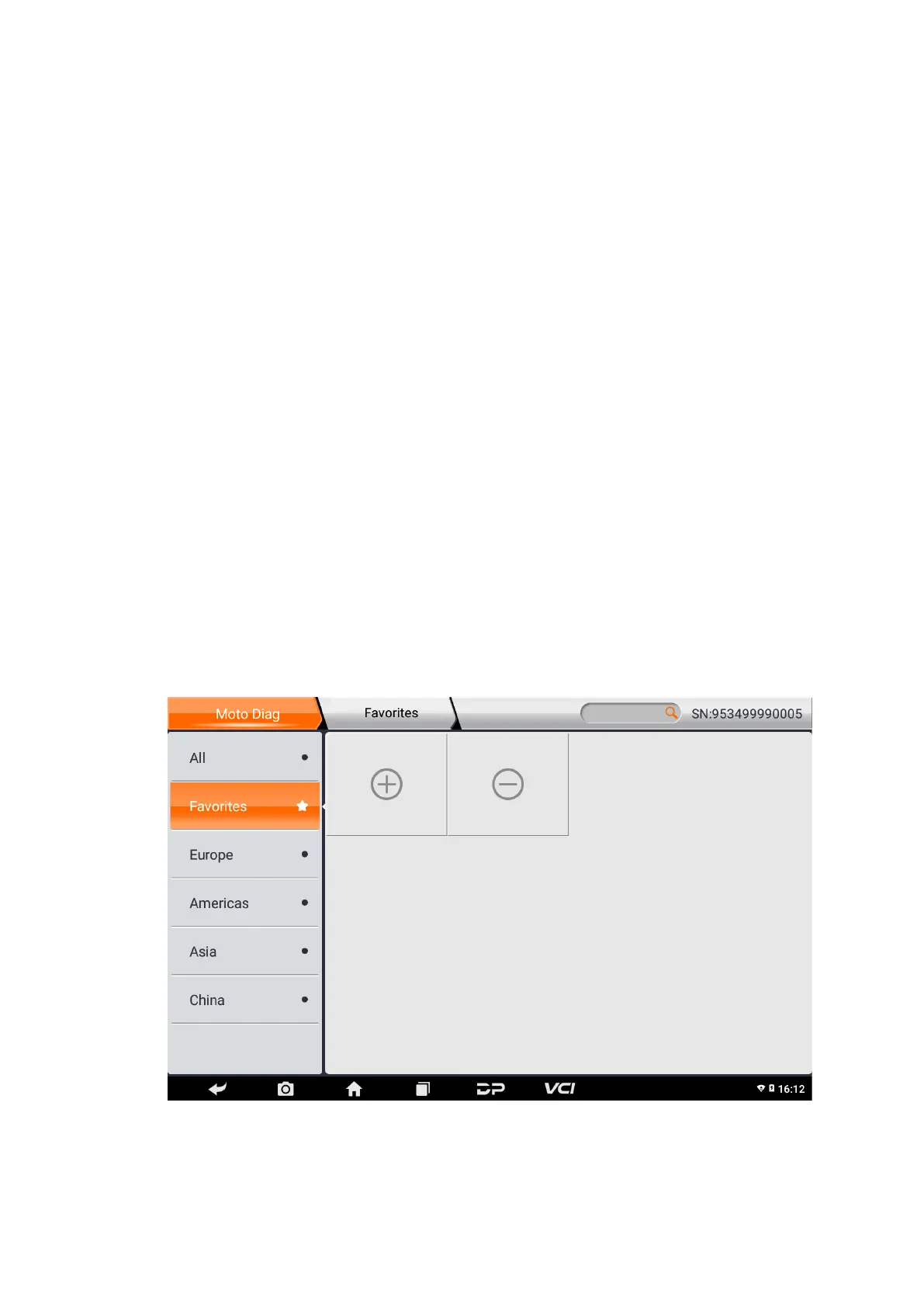
Enter the Favorites menu path
by default, as shown in the figure below:


 To Next Page