Stepping Up
The wheelchair batteries are being charged. You will not be able to drive the
wheelchair until the
charger is disconnected and you have switched the control system off and on
again.
7.2 Base Bar
7.2.1 Current Profile
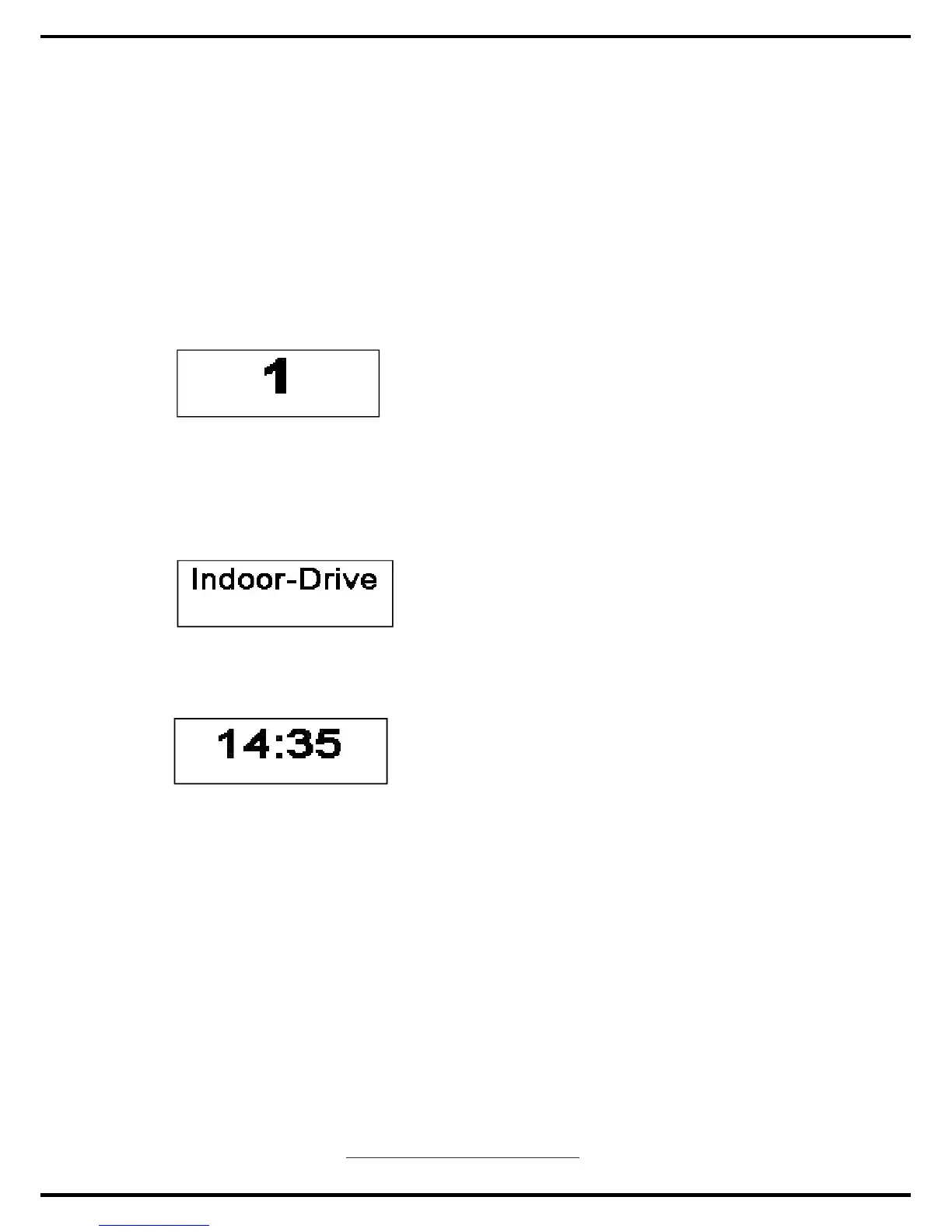
The currently selected Profile is shown in numeric form.
7.3 Main Screen Area
7.3.1 Profile Name
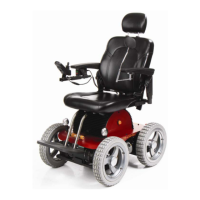
This is a text string that displays the name of the currently selected Profile.
7.3.2 Clock
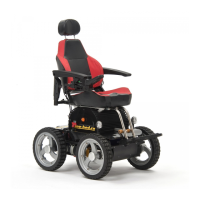
This displays the current time in a numeric format.
The clock is user adjustable. Adjustable options are:
•ҏ Visibility, whether the clock is displayed on screen.
•ҏ The display format, 12 or 24 hour.
•ҏ The time, the user can adjust the time.
These adjustments are made within the Settings Menu. Refer to section 8 for
details.
7.3.3 Speed Indicator
www.observer-mobilityproduct.com
14


 To Next Page