16
www.observint.com
SECTION 4: CLEANING
SECTION 4 Cleaning
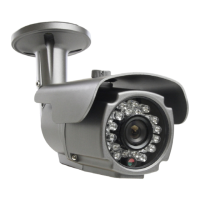
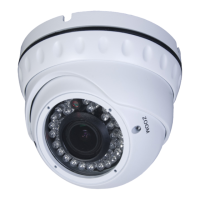
Clean the camera lens and IR lamp shield with an approved glass cleaning solution and a
lint free cloth.
• Dust can be removed from the unit by wiping it with a soft damp cloth. To remove
stains, gently rub the surface with a soft cloth moistened with a mild detergent
solution, then rinse and dry it with a soft cloth.
• Remove all foreign particles, such as plastic or rubber materials, attached to the
camera housing. These may cause damage to the surface over time.
CAUTION
Do not use benzene, thinner or other chemical products on the camera
assembly; these may dissolve the paint and promote damage of the
surfaces. Before using any chemical product, read the accompanying
instructions carefully.


 To Next Page