CONNECTIONS: FRONT & SIDE (R) PANELS
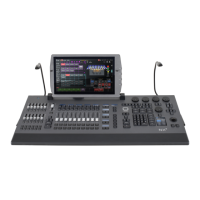
The surface panel offers a USB device socket in the top left-hand corner. This connector is ideally suited
for USB memory sticks or a USB desk lamp.
On the right side of the console is one additional USB device socket for additional peripherals like a
keyboard or mouse.
Use the blue (USB3) USB connectors for boot operations (e.g. installation of an operating system).
Do not exceed a current of 500mA on a USB device port.


 To Next Page