Solving problems 43
If the paper jam can not be cleared by opening the copy feed table than open
the fusing section by:
1
Switch off the copier.
2
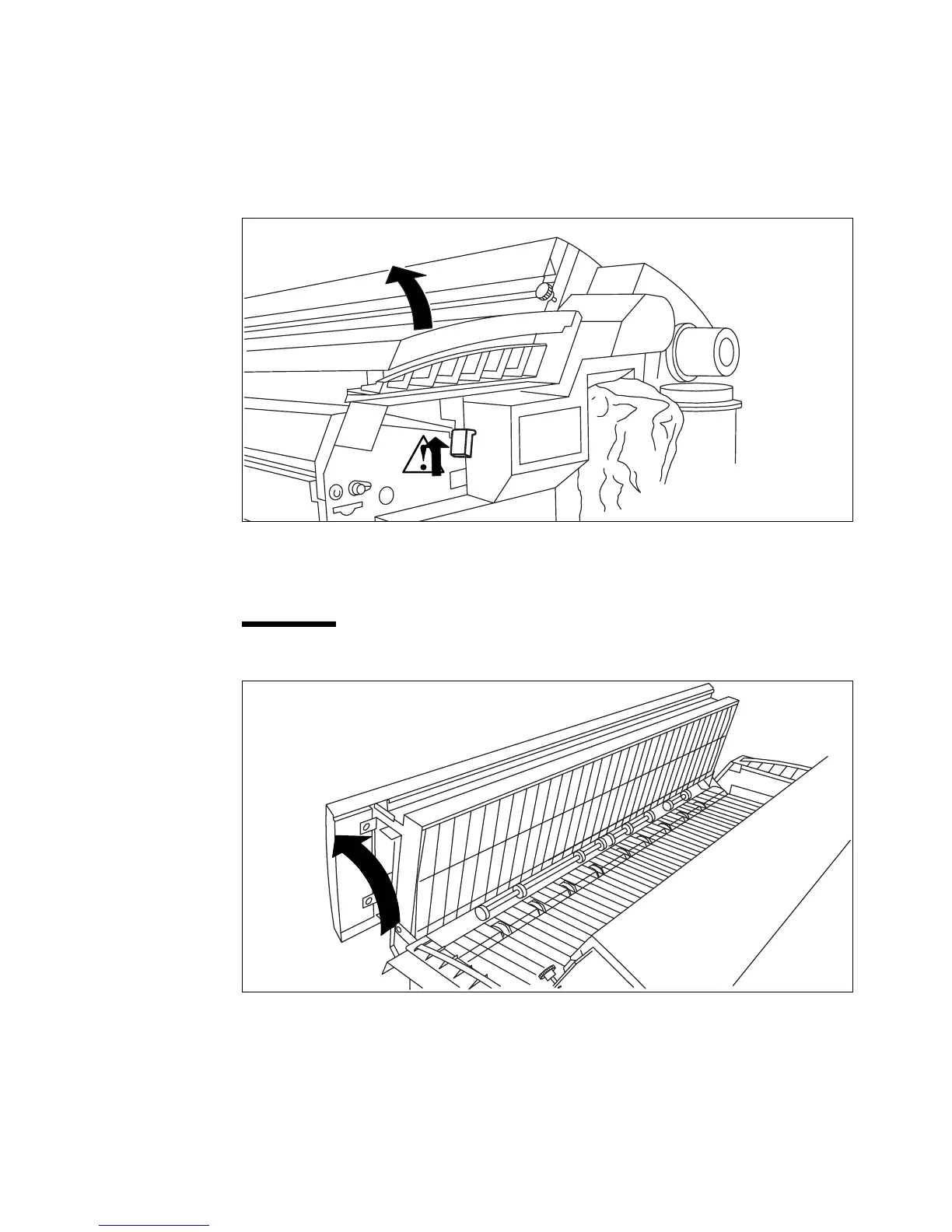
Unscrew the knurled nut at the left hand side of the machine and open the cover
(see figure 28).
[28] Opening the left cover at the rear of the machine
3
Lift the green handle and open the fuser unit ( see figure 28 and 29 on page 43
).
Caution:
If the copier has been used recently, the fuser may still be hot.
[29] Opening the fuser unit
2475



 To Next Page