366 Océ Repro Desk Server User Manual
3 From the list, click the plus sign (+) to the left of Accounting.
The Accounting menu appears.
4 Toggle the following to Yes:
■ Accounting
■ ODBC Set Accounting
■ ODBC Sheet and Set Accounting.
5 Click OK.
Export accounting information
You can export accounting information from any active log and save it as a text
file. You can further process the accounting information with any application
that can import tab-separated or comma-separated text files, such as:
■ Word processors
■ Database programs
■ Spreadsheets
▼ Open and view an existing log file
1
Click the arrow next to the Log button.
[244] The Log button
The Log quick menu appears.
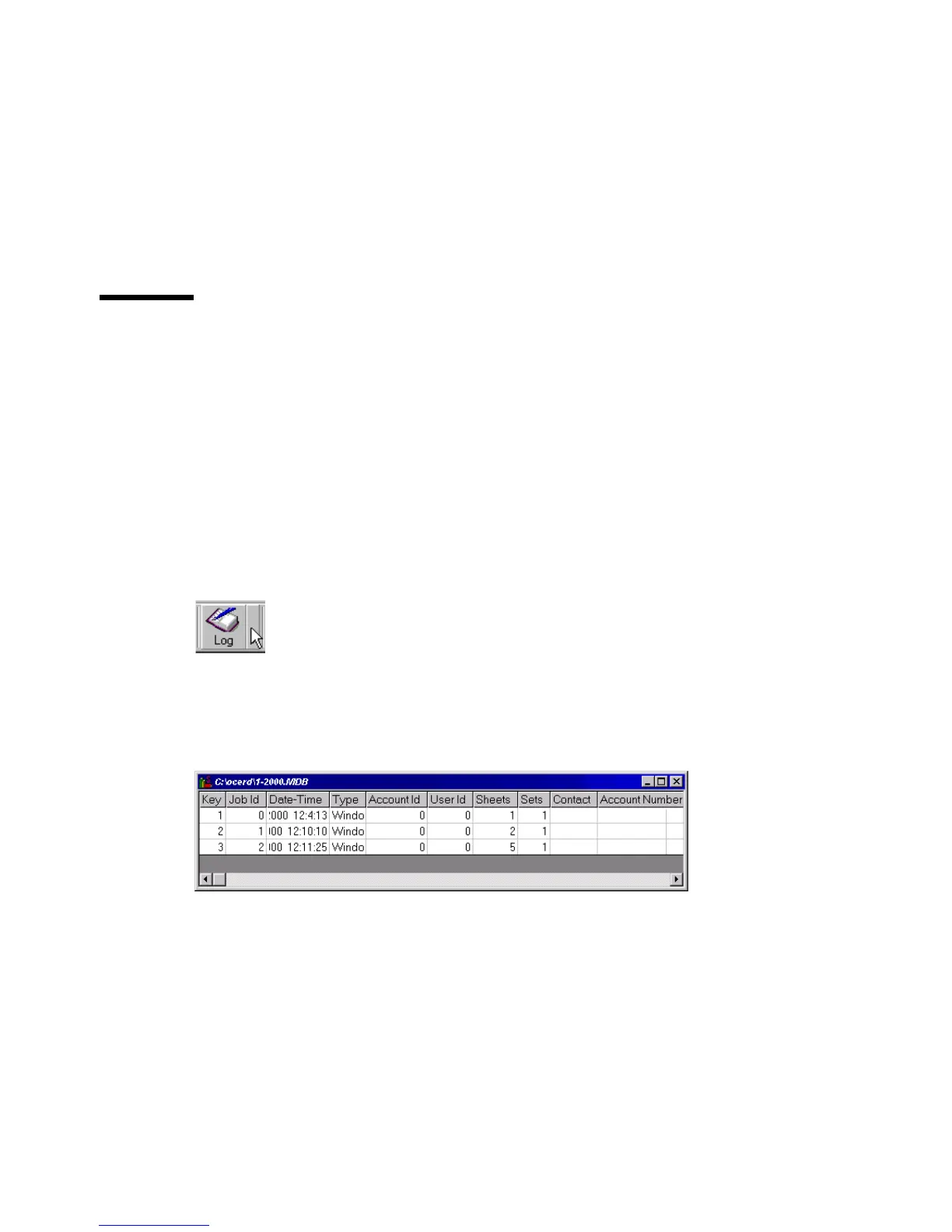
2 From the Log quick menu, choose the file you wish to open.
The log file window appears.
[245] The log file window
▼ Print accounting information
1
Open the log window that you wish to print.
2 In the button bar, click ‘Print’.



 To Next Page