5
Interaction Introduction
Power On
Start the toothbrush by short pressing the power button, the toothbrush will
automatically shut down after a 2-mins brushing plan is finished.
Intensity Switch
Oclean Air2 has present 2 types of 2mins brushing plan: Standard Cleaning (Default) and
Deep Cleaning.
To switch the intensity, just long press the power button for 2s under working condition.
Battery Indication
Please charge the toothbrush when the red indicator light is on.
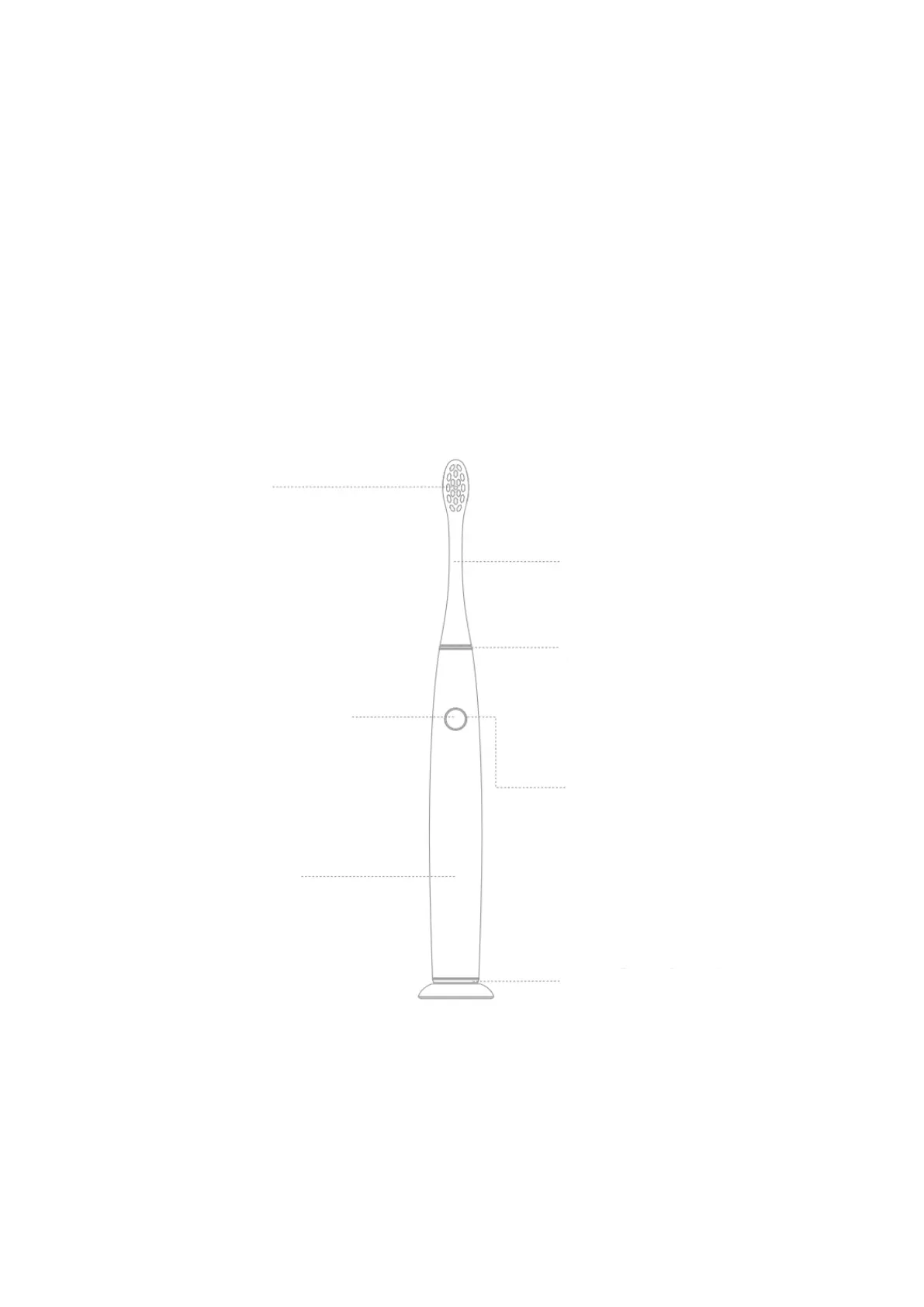
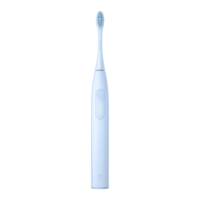
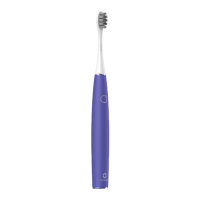
ON/OFF Button
Short Press: Power On/Off
Long Press: Switch brushing
intensity within standard
mode and deep mode
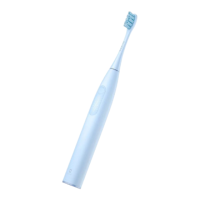
There is a gap about
0.5mm between the
brush head and the
handle to reserve a
resanoble working space
for the brush head
Power Indicator
Charging Status: The white
light flashes
Full Charge: The white light
shines
Low Battery: The Red Light
Flashes fast
Annular Charging Interface
Magnetic Charging enables the
toothbrush to be attracted and
charged when i tis close to the
charging base.
Note: Please turn off the power
when the charging is
completed.


 To Next Page