6
Instructions
Gradually strengthen
Short press on the power button to start, the brushing intensity will rise gradually from
weak to the certain force, this is designed to prevent water/toothpaste from splashing.
Finish prompt tone
The prompt tone runs when brushing is finished.
Automatic stop running
The toothbrush will default to run for 2 minutes after power on, then it will stop running
automatically.
Change Brushing Area
When the toothbrush is working, there will be a reminder with vibration to remind the
user to change the brushing area every 30 seconds.
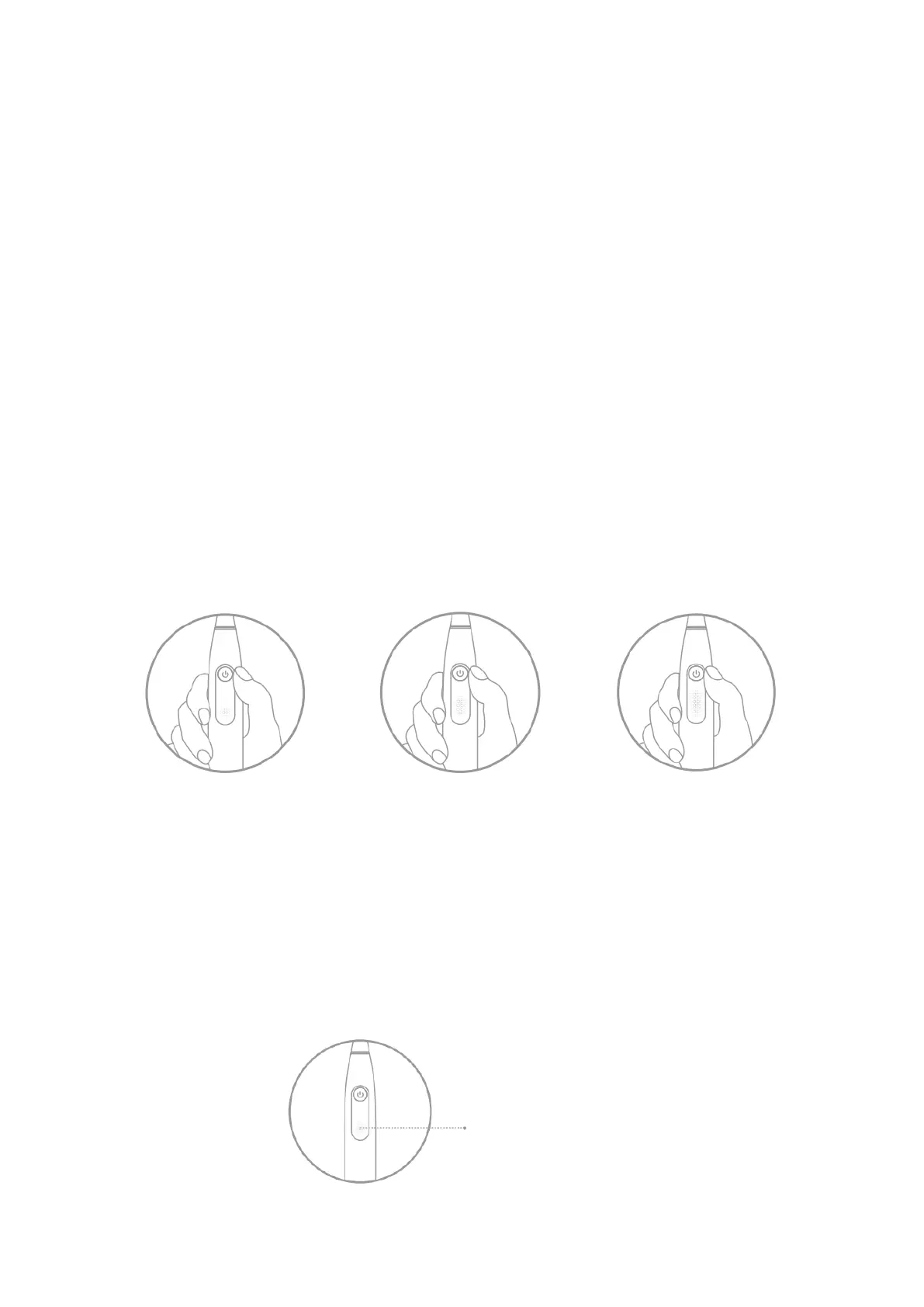
Switch mode during operation
Long press (2 seconds) to change the mode, different numbers of light represent
different mode.
Low Battery
The indicator flashes when battery percentage is lower than 20%, needs to be charged
to ensure normal use.
Low battery reminder: The toothbrush will not work when battery is lower than 5%,
short press on the power button, red light flashes twice and motor vibrates twice to
remind that battery is extremely low, recharge is needed in this case.


 To Next Page