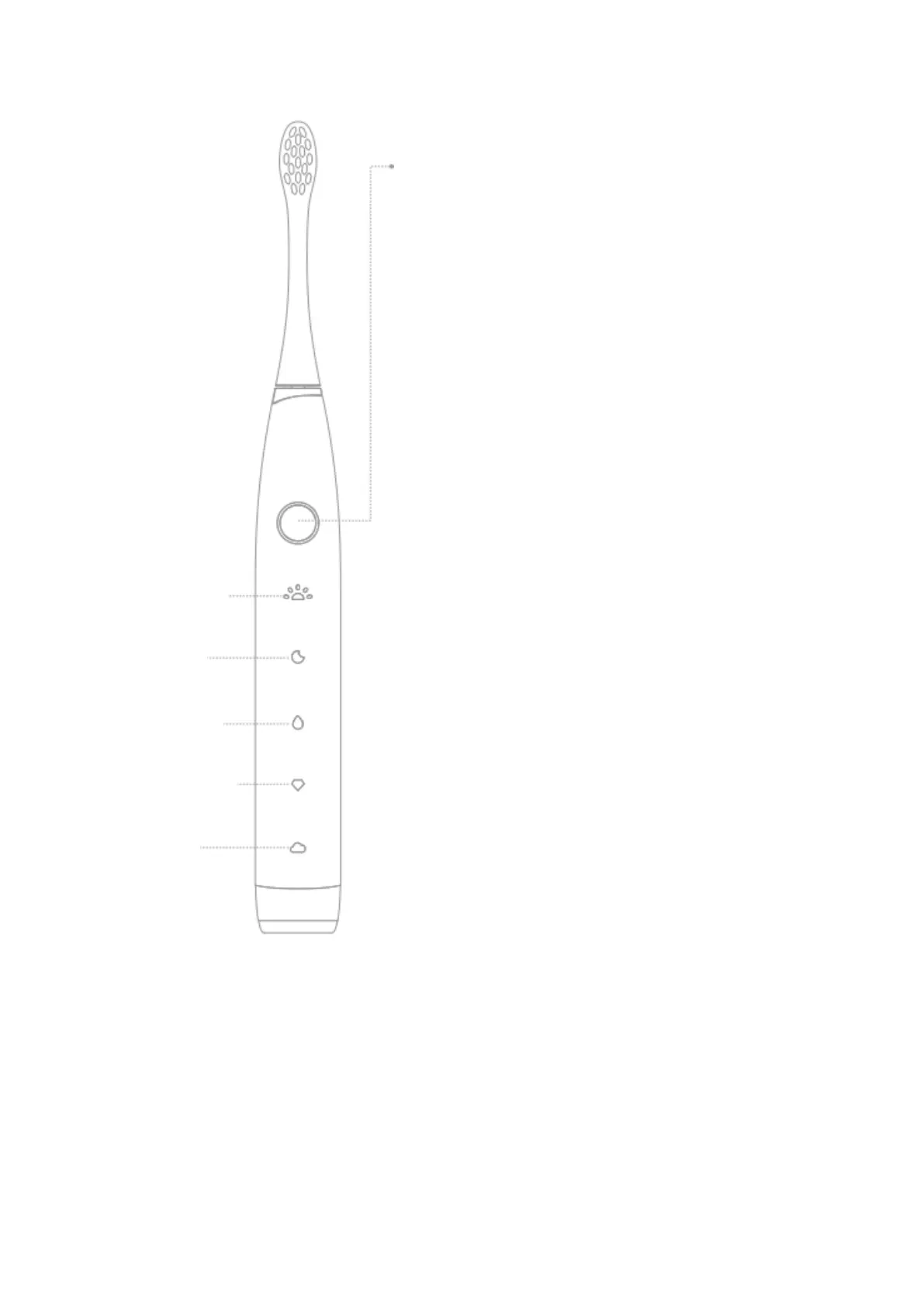
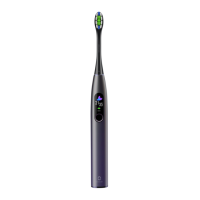
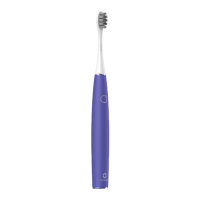
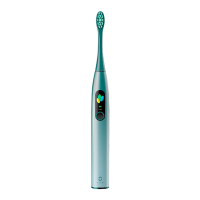
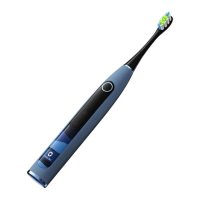
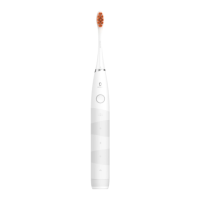
ON/OFF button control
Enables:
short press the button
Switch mode:
Within 5 seconds after the button is short
pressed, you can switch between modes by
rapidly short pressing the button when the mode
indicator is in the state of “breathing light”
Turn off:
1. You can turn this product off by short pressing
the button again after circularly short pressing
the button until this product operates in the “soft
mode”.
2. You can turn off this product by short pressing
the button again when the mode indicator is in
the “normally on” state within 5 seconds after
short pressing the button to start up the
toothbrush.
3. This product is automatically turned off after it
is in operation for 2 minutes after you short
press the button to start up it.
Low Battery reminder: When the battery level is
lower than 10% the button circular lamp is in the
state of “flickering in red” after you short press
the button to turn on the toothbrush.


 To Next Page