8
Water volume reminding function
The strength of the water flow impulse changes twice to remind the water volume
change, and the water flow impulse returns to the normal value immediately after the
reminding. When the water compartment is filled with water by default: in the Powerful
Normal Mode, Standard mode, the oral irrigator will remind you each time when arriving
at 3/4, 1/2, 1/4 of the theoretical working time of the current gear, reminding 3 times in
total.
For example, in the straight irrigation mode, the oral irrigator can continue to spray
water for 60s. After start-up, the reminding is performed once respectively at 45s, 30s,
and 15s.
Note: the “remaining water reminding” function is only enabled in the straight irrigation
mode and the impulse mode, and the function is not enabled in the “point shooting
mode”.
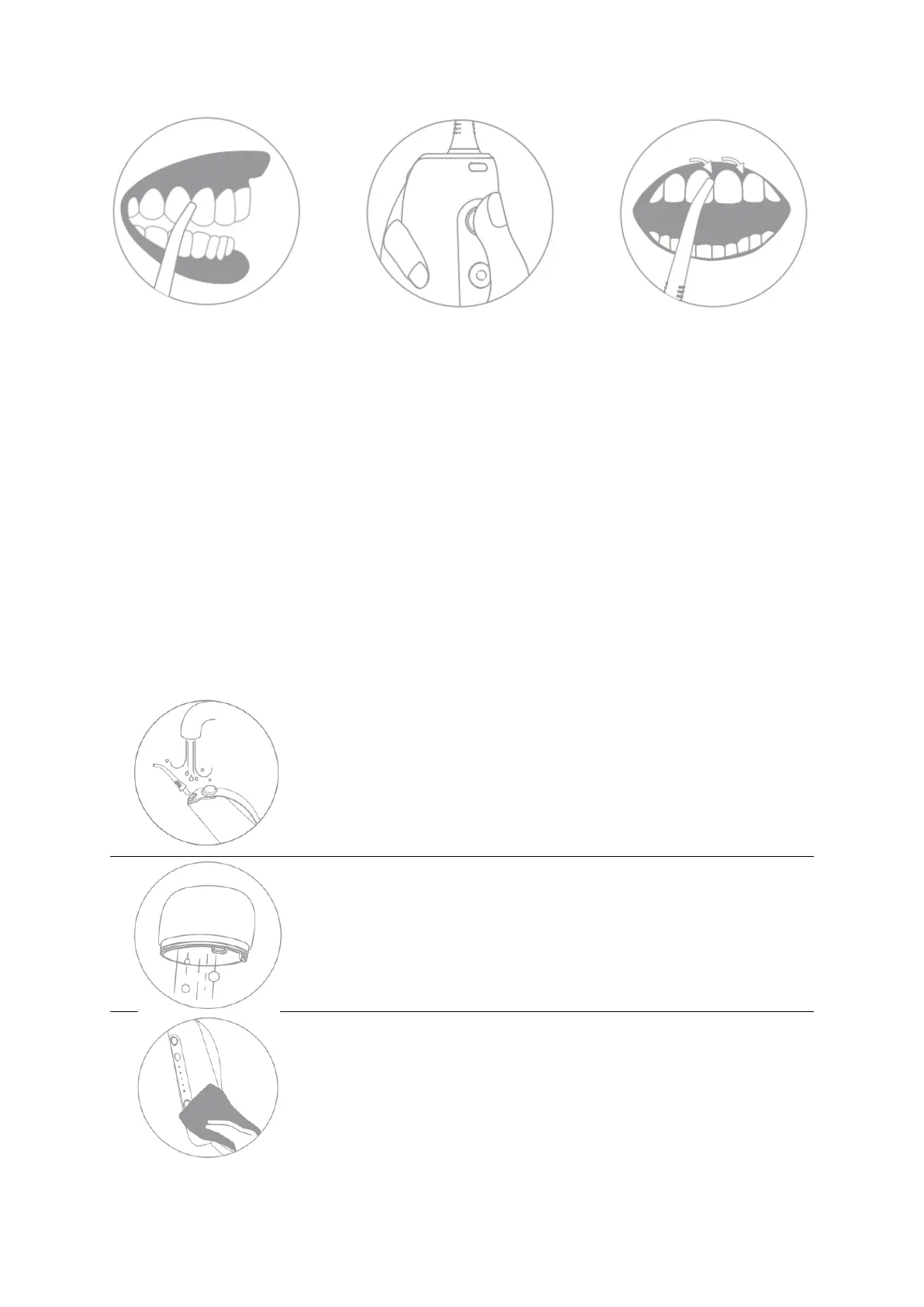
After use, press the button of the water compartment
bottom lid and slowly pull it down, and if there is residual
water in the water compartment, please empty the residual
water. Open the bottom water compartment and pour out all
the residual water in the water compartment.


 To Next Page