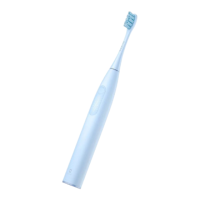
User Guide
When using the toothbrush for the first time, briefly
press the "Power Button" to wake it up. Bluetooth will
remain on continuously. You can connect and configure
the toothbrush by downloading and installing the
"Oclean Care+" app. (Note: Connecting through "System
Settings - Bluetooth Settings" on your phone will not work.)
Once the app is installed, you can access various functions
such as setting up the "Zone Change Reminder."
Additionally, you can customize your brushing plans and
directly sync them to the toothbrush.
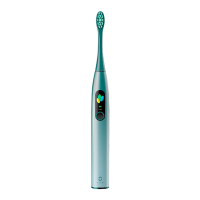
New users tap
"Register account"
to create an
account.
2
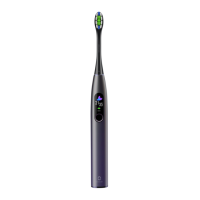
Enter your
username and
password, then tap
" > ".
3
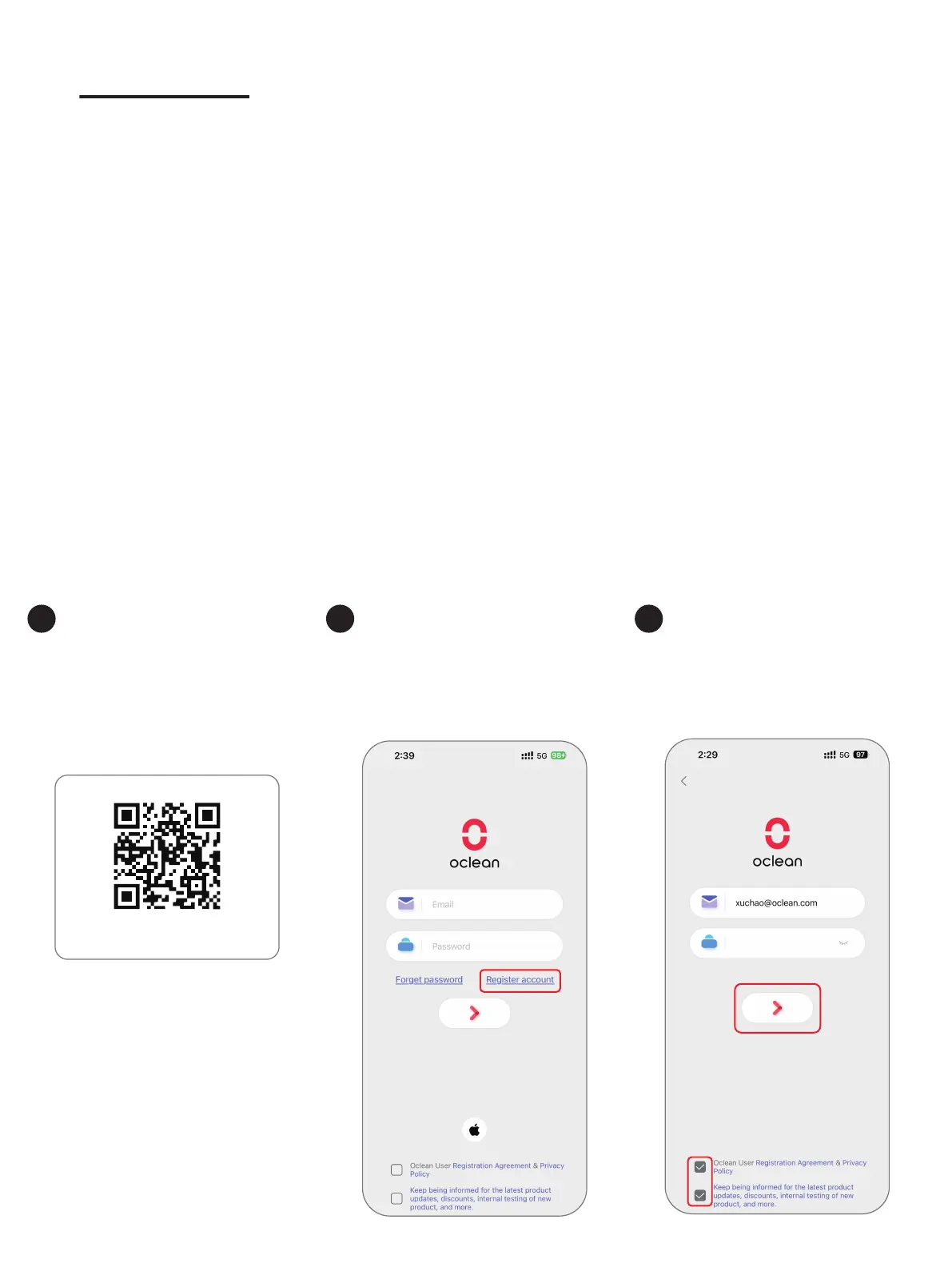
Google Play Store & iOS APP Store
Scan the QR code
or search for
Oclean Care+ on
your Apple Store to
download.
1



 To Next Page