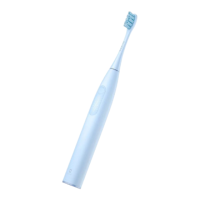
Touch Screen Toothbrush Settings
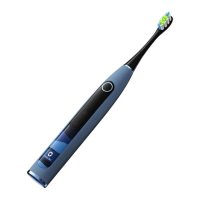
You can use the toothbrush by sliding up and down on the
touch screen to select your preferred mode, duration, and
intensity settings without connecting to the app. Once set,
the toothbrush will automatically remember your
preferences and use the new settings for future operations.
You can also customize your brushing plan through the
“Oclean Care+” app, where you can set your preferred
mode, duration, and intensity. Once the app has sent a
brushing plan to the toothbrush, it will follow these settings.
If you make any changes to the mode or intensity via the
touch screen after the app has sent a brushing plan, the
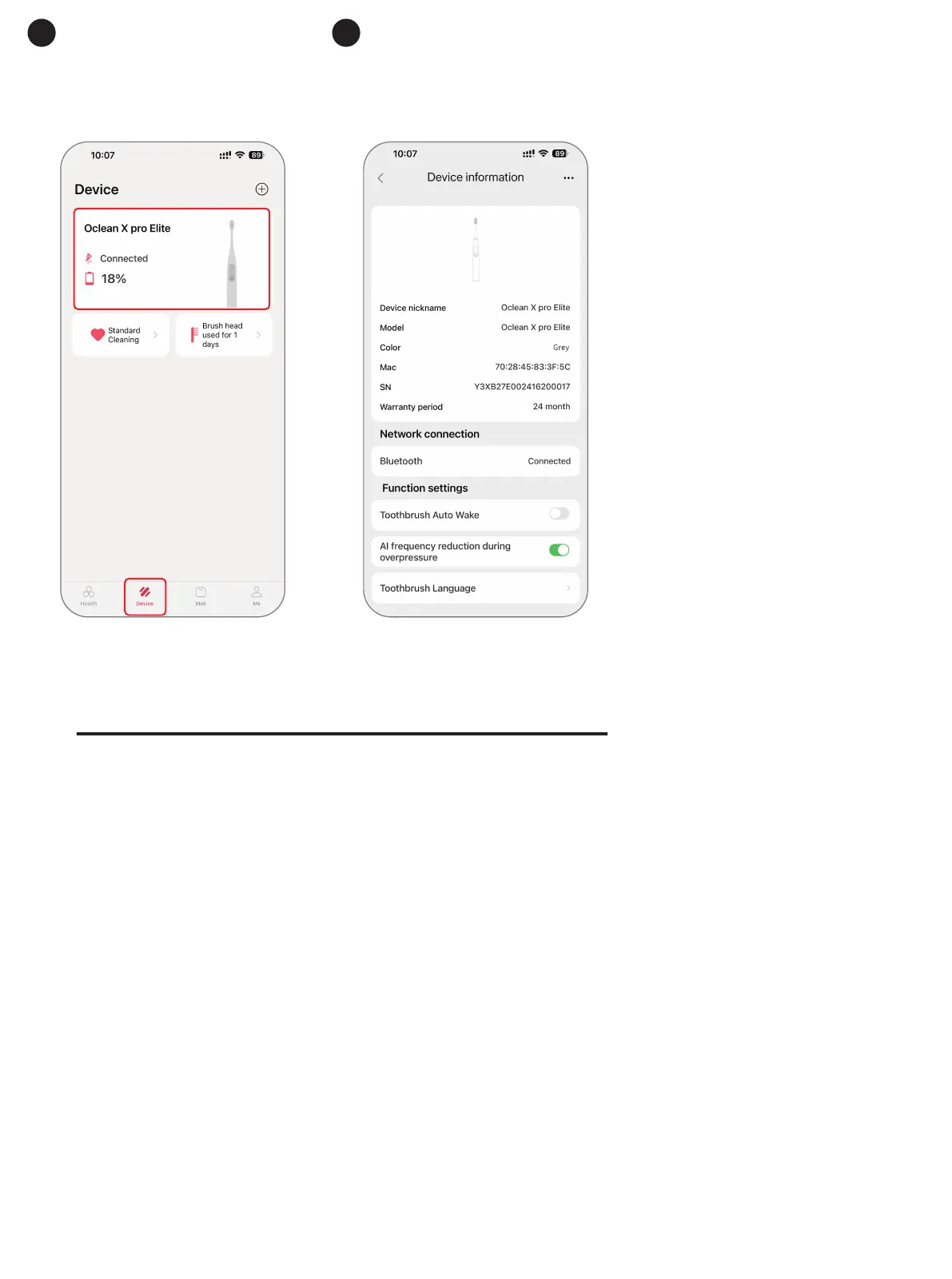
Enter the settings
page to configure
your personal
preferences.
11
Tap the toothbrush
device to enter the
settings page.
10



 To Next Page