6 TM & © 2014 Oculus VR, LLC. All Rights Reserved. TM & © 2014 Oculus VR, LLC. All Rights Reserved. 7
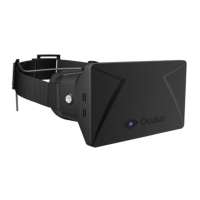
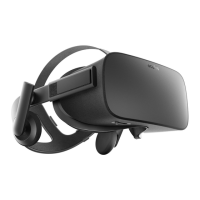
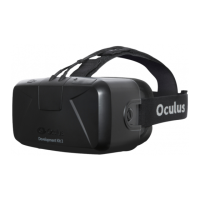
Oculus Rift Development Kit 2
Rift cable
Cable
connector
box
Sync cable to
cable connector box
USB cable
to computer
HDMI cable
to computer
Sync cable to
cable connector box
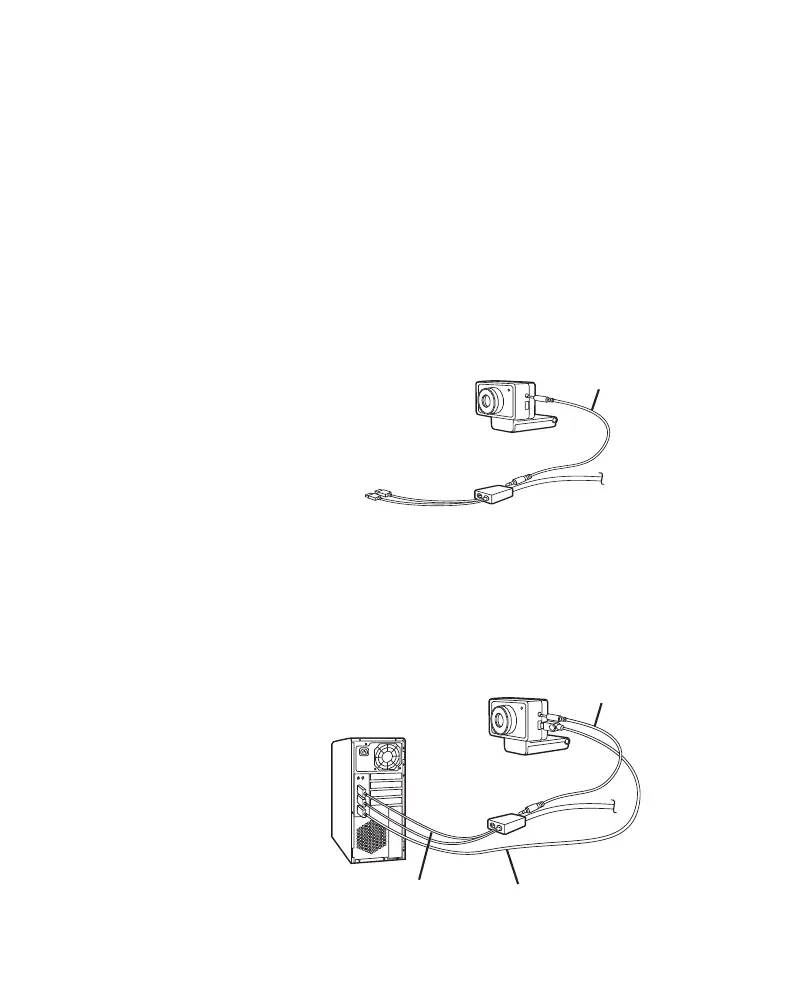
Attach the sync and USB cables to the positional
tracker.
Positional tracker sync cable - Insert one end of the
sync cable to the top connector on the right side of the
positional tracker with the positional tracker facing you.
Connect the other end of the sync cable to the cable
connector box on the headset cable.
Positional tracker USB cable - Insert the mini USB end of
the positional tracker USB cable to the lower connector on
the right side of the positional tracker. Connect the other
end of the positional tracker USB cable to one of the USB
ports on the computer.
Connect Positional Tracker
Cables
STEP
4


 To Next Page