EasyManua.ls Logo

Odys PDV-57024 - User Manual

Odys PDV-57024
214 pages
Go to English
Print Icon
To Next Page IconTo Next Page
Loading...
DE EN FR NL PT ES IT
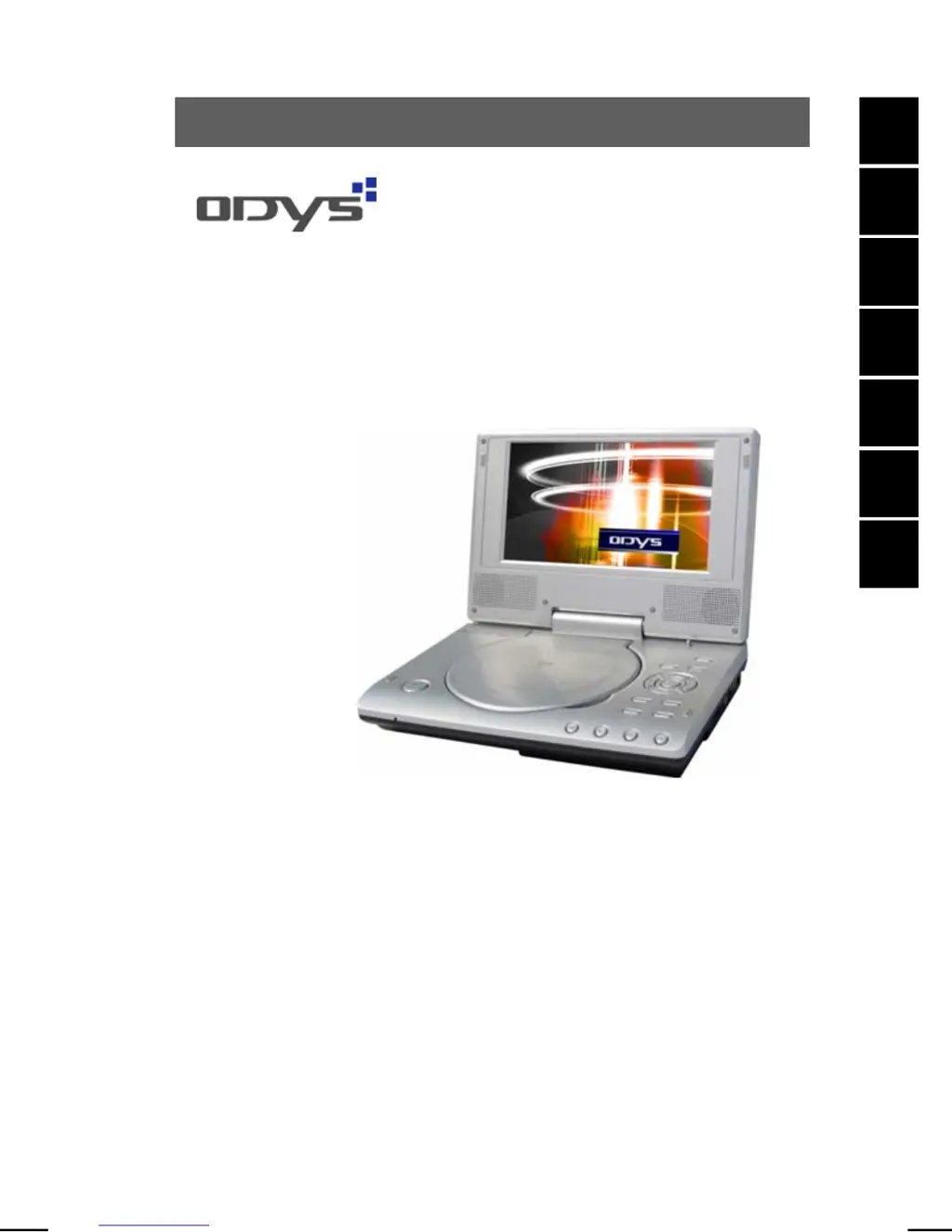
DVD-Player PDV - 57024
BENUTZERHANDBUCH
USER
MANUAL
MANUEL
D’UTILISATION
MANUAL DEL USUARIO
MANUALE
PER L'UTENTE
GEBRUIKSHANDLEIDING
MANUAL
DE INSTRUÇÕES
http://www.odys.de

Table of Contents

Questions and Answers

  • R
    Ryan SandersAug 2, 2025
    Why is my Odys PDV-57024 DVD Player not working?
    • J
      John ClarkAug 2, 2025
      If your Odys DVD Player isn't working, here are a few things to check: * Make sure the disc cover is completely closed. * Verify that a disc is inserted correctly, with the label facing up. * Ensure the disc isn't dirty or deformed; if it is, clean it or try another disc. * Confirm that the regional code of the DVD matches the player's regional code. Purchase a DVD with the corresponding regional code if needed. * If there's moisture on the lens, remove the disc and turn off the DVD player for at least two hours.
  • S
    stevenboydAug 8, 2025
    What to do if there is no audio from Odys PDV-57024?
    • V
      vmoralesAug 8, 2025
      If you're not getting any audio from your Odys DVD Player, try the following: * Check that all the connections are correct. * Make sure headphones are not connected to the device. * Verify the DVD sound settings are correctly configured. * If the disc is dirty or deformed, try cleaning it or using a different disc.
  • K
    kcampbellAug 14, 2025
    Why does my Odys PDV-57024 keep repeating a section?
    • T
      Tina BrockAug 14, 2025
      If you're experiencing repeated playback of a section on your Odys DVD Player, it might be because loop mode is enabled. Try exiting the loop mode. Also, a dirty or deformed disc can cause this issue, so clean the disc or try another one.
  • C
    Christopher DayAug 19, 2025
    What to do if there is no video on Odys PDV-57024?
    • J
      Jesus SanfordAug 20, 2025
      If you're not getting any video from your Odys DVD Player, make sure the TV screen is on and set to the correct video mode. Also, check all the connections to ensure they are properly connected.
  • G
    Gloria MartinAug 26, 2025
    How to fix poor video and/or audio quality on Odys PDV-57024 DVD Player?
    • K
      Kevin SpencerAug 26, 2025
      If you're experiencing poor video or audio quality with your Odys DVD Player, the disc may be dirty or deformed. Try cleaning the disc, or insert another disc.

Summary

Safety Instructions

Product Properties

Controls

Front View Controls

Details the buttons and indicators on the front panel of the DVD player.

Right View Ports

Describes the audio/video outputs and power input on the right side.

Left View Controls

Identifies the power on/off switch located on the left side of the device.

Bottom View Features

Highlights the integrated battery and maintenance information on the bottom of the device.

Connecting the DVD Player

Connecting to a Television Set

Explains how to connect the DVD player to a TV using audio/video cables.

Connecting to an Amplifier

Details connecting the DVD player to an external audio device like an amplifier.

Connecting Headphones

Guides on connecting headphones to the device's headphone jack.

Power Supply Unit

Explains how to connect the DVD player to the mains using the power supply unit.

Car Adapter

Instructions for using the car adapter to power the DVD player in a vehicle.

Rechargeable Battery Pack

Using Rechargeable Batteries

Provides guidance on proper usage, temperature, and handling of rechargeable batteries.

Charging the Battery Pack

Details the process of charging the integrated rechargeable battery pack.

Disc Information

Compatible Disc Formats

Lists the various disc formats (DVD, CD, MP3, JPEG) and their capacities.

Using Discs

Provides instructions on handling, cleaning, and storing discs to ensure optimal performance.

Playback Operation

Getting Started

Guides the user through the initial steps to start playing discs on the DVD player.

DVD Playback

Details how to play DVD discs, including controls for pause, stop, fast forward, and titles.

CD Playback (Music, VCD, SVCD)

Explains playback for CDs, VCDs, and SVCDs, including track selection and audio options.

JPEG Playback

Covers playback of JPEG image files, including navigation and picture rotation.

MP3 Playback

Details how to play MP3 audio files, including folder navigation and audio effects.

System Settings

Set the Language

Instructions for setting the on-screen display (OSD) and audio/subtitle languages.

Preferences

Covers settings like TV display mode, resume defaults, and aspect ratio.

Glossary

Troubleshooting

Specifications

Odys PDV-57024 Specifications

General IconGeneral
Video SystemPAL/NTSC
Audio OutputStereo
Remote ControlYes
Playable FormatsDVD, MP3, JPEG
ConnectorsCoaxial Digital Audio Output
Power SupplyAC 230V, 50Hz