ODYS Z13
9
EN
Setting the volume
Press or hold the respective volume control button (+, -) to raise or lower the
volume. The volume has 33 settings (0…32).
Hold switch
You can block all buttons of your MP3 player to prevent accidental
operation. To do so, simply move the key lock switch in the direction as
shown by the arrow. During operation, Key locked! is shown in the OLED
display. Unlock the keys by moving the switch back.
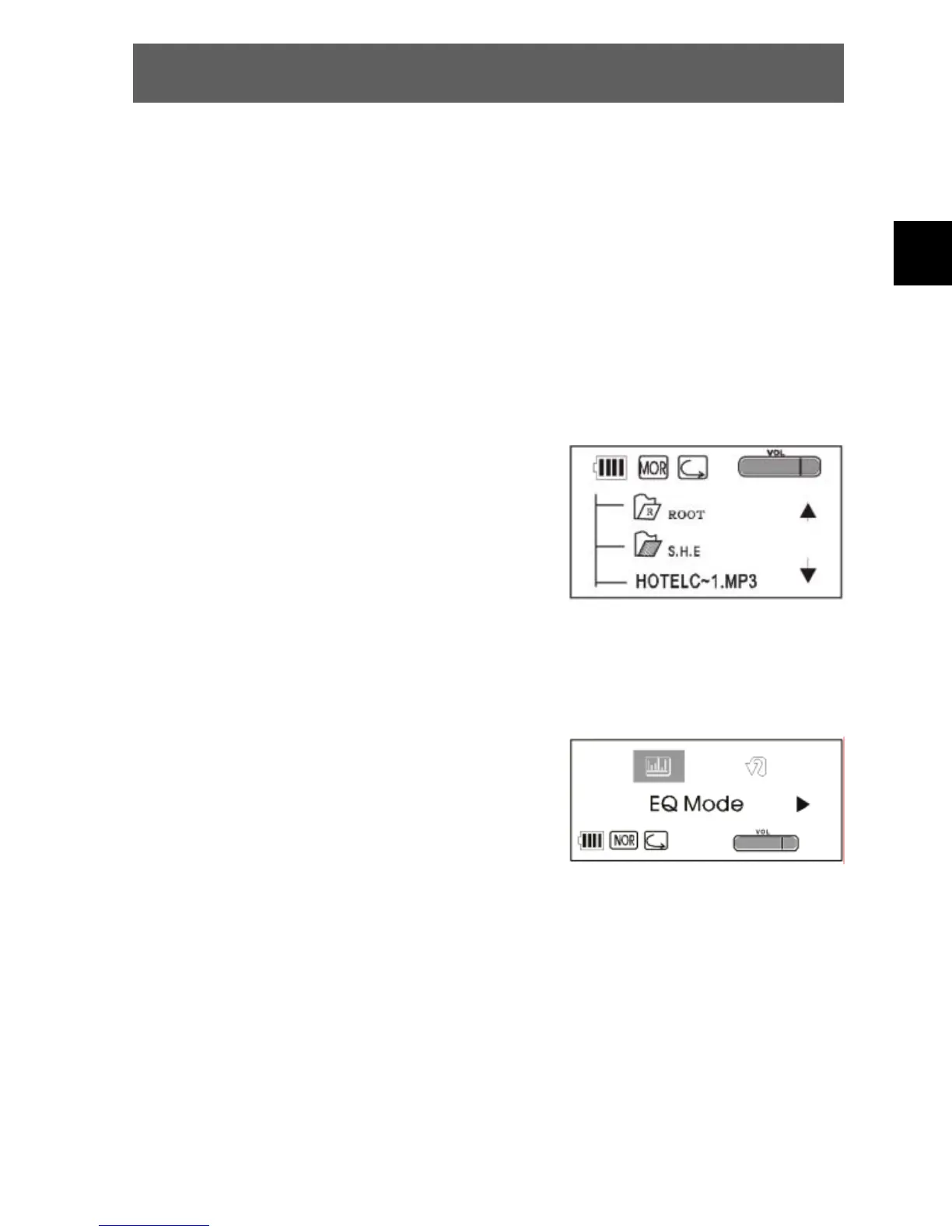
Searching for files (browser)
• While in pause or standby mode, press the
menu button for approximately 3 seconds.
Use to navigate through the folder
structure and search for the desired file.
• Press the playback button (PLAY) to open
the folder.
• Press PLAY twice to select and play the
desired music file.
Equalizer settings
• While in music playback, pause or standby
mode, briefly press the menu button and
use to select the equalizer mode (EQ).
• Briefly press PLAY to activate the EQ
mode.
• Use to select the desired sound
(normal, classic, live, pop, rock and DBB).
• Confirm using the playback button (PLAY) again.



 To Next Page