ODYS Z13
11
EN
4.3 Voice recording mode
Your MP3 player can also be used as a digital dictaphone. This allows you
to record important ideas or thoughts when away from home, so you don’t
forget them.
• While in pause or standby mode, briefly
press the menu button and use to
select the Voice recording mode.
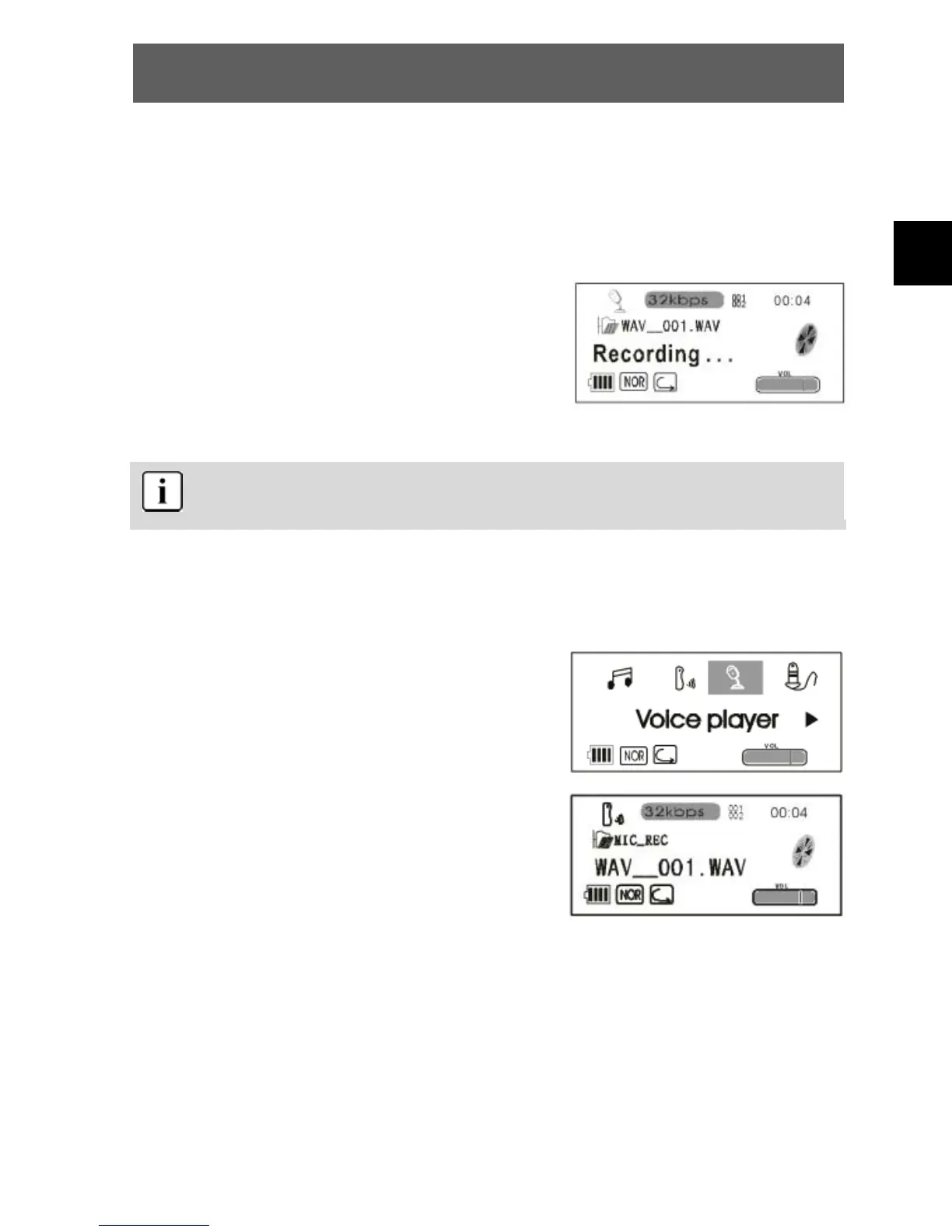
• Briefly press PLAY to start voice recording.
• Press PLAY again to stop voice recording.
The recorded voice files are stored in the MIC_REC folder. The
sound is recorded as a WAV file (34 kbps).
4.4 Voice playback mode
• While in pause or standby mode, briefly
press the menu button and use to
select the voice playback mode.
• Briefly press PLAY to activate the voice
playback.
• Use to select the required file.
• Press PLAY again to play back the
selected file.



 To Next Page