ODYS Z13
14
EN
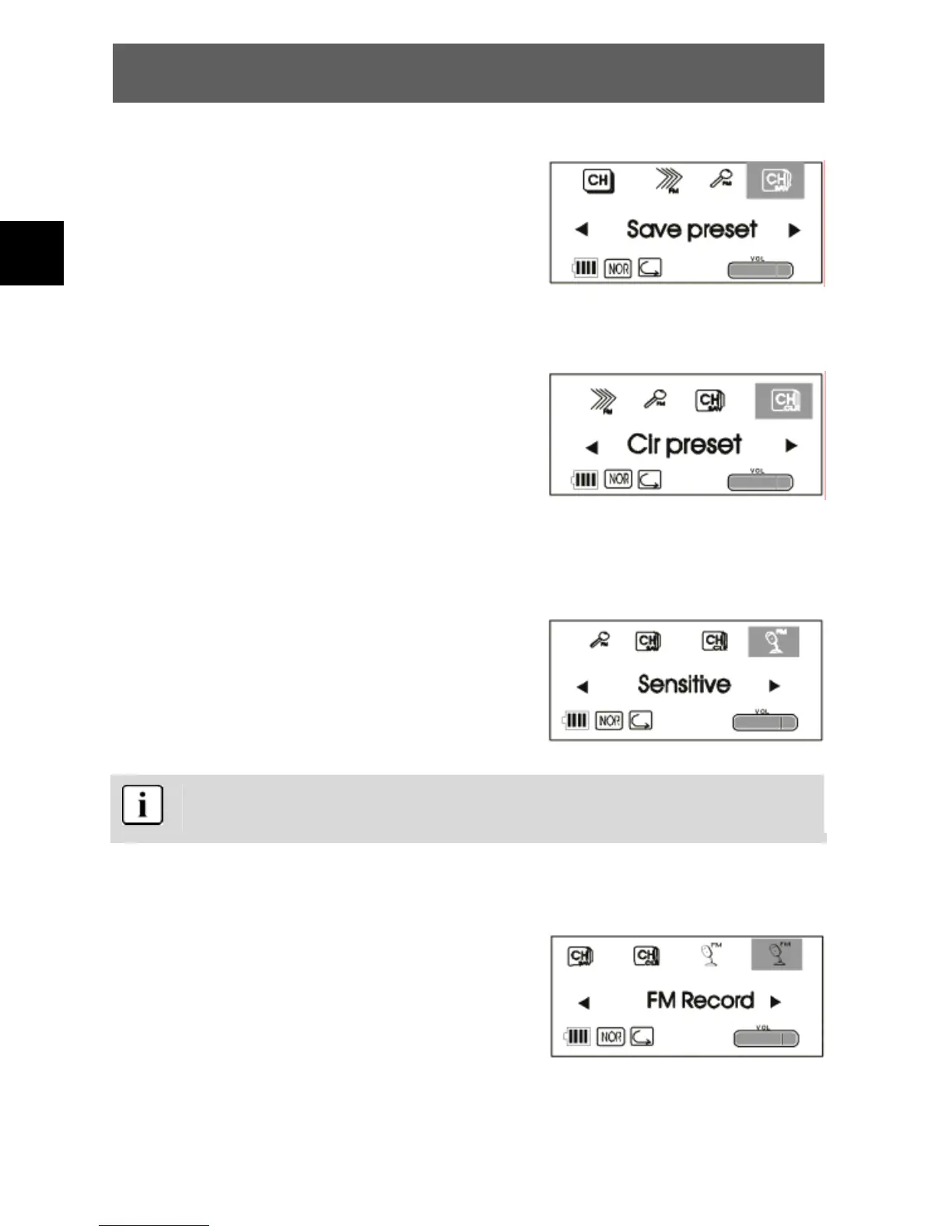
Save Preset
• Follow the procedure described above to
select the Save Preset function.
• Press to select the number of the
memory location (channel) and confirm it
with PLAY.
Clr Preset
• Follow the procedure described above to
select the Clr Preset function.
• Press to select the number of the
memory location (channel) to be deleted
and confirm it with PLAY.
• Press PLAY again.
Sensitive
• Follow the procedure described above to
select the Sensitive function.
• Press to select Level Low, Level Mid
or Level High and confirm it with PLAY.
The sensitivity affects the channel search. If there are powerful
radio stations located nearby, set the level to high.
FM Record
• Select a radio station you would like to
record.
• Follow the procedure described above to
select the FM Record function.



 To Next Page