4
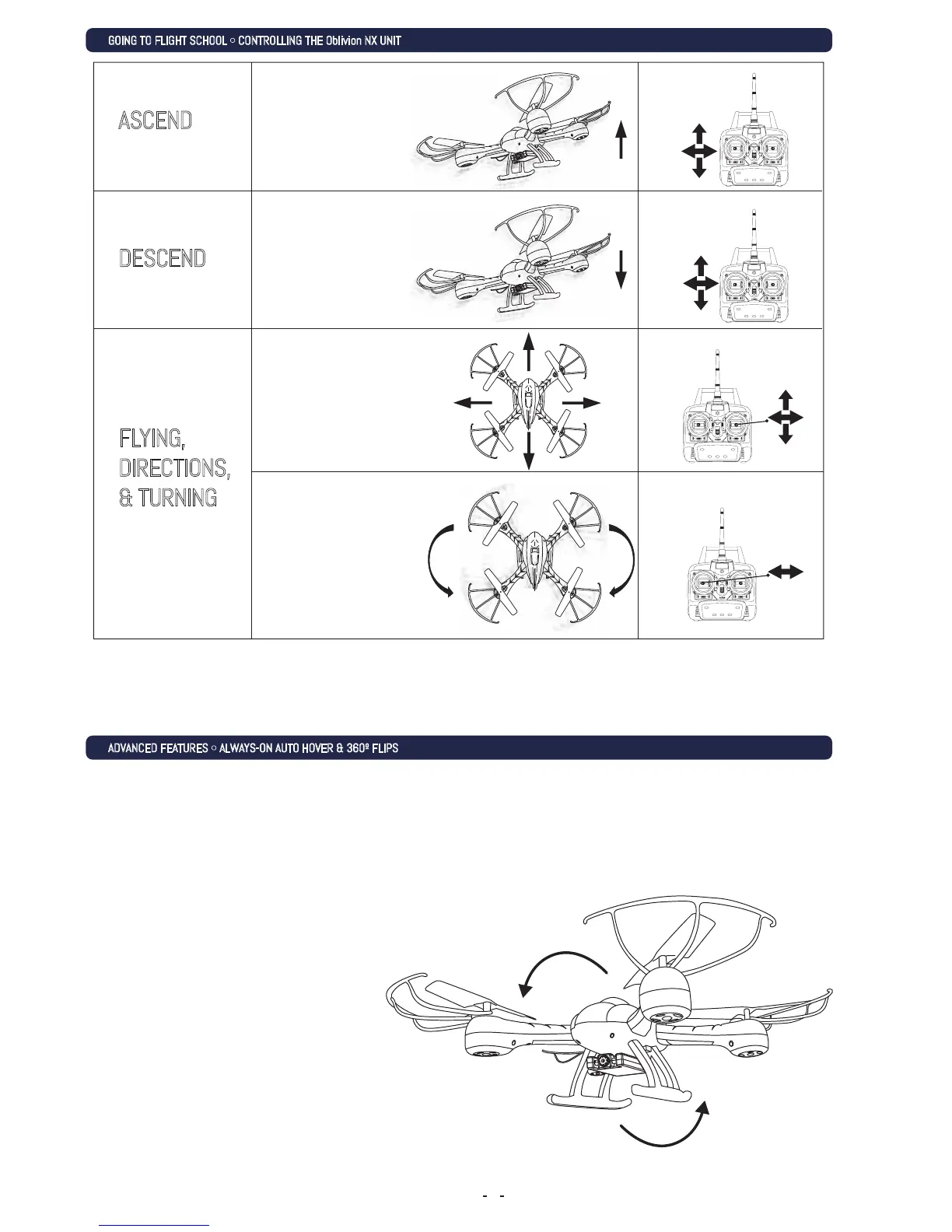
ASCEND
DESCEND
FLYING,
DIRECTIONS,
& TURNING
GOING TO FLIGHT SCHOOL •CONTROLLING THE Oblivion NX UNIT
ADVANCED FEATURES •ALWAYS-ON AUTO HOVER & 360º FLIPS
Ease the throttle (left
stick) upward in order
to make the Oblivion NX
go higher.
Ease the throttle (left
stick) downward in order
to make the Oblivion NX
lose altitude.
Use the right stick,
(Directional Stick) to turn
left, right, move forward or
backward. Normally, the
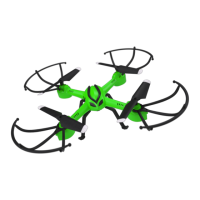
Oblivion NX’s “front” is the
cockpit.
Pressing Right or Left on
the Throttle stick will
strafe in that direction
according to the cockpit.
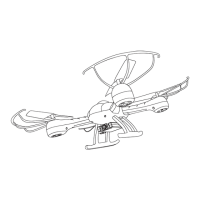
360º FLIP
Press the 360 button once on
the bottom right of the radio
control transmitter to have it
perform 360º flip maneuvers!
ALWAYS-ON AUTO HOVER
Your Oblivion NX Drone features an Always-On Auto Hover mode. Just launch the Drone
into the sky, take it up to your desired altitude using the left joystick and then release
the joystick. The Oblivion NX will stay at the desired altitude without further commands
needed.


 To Next Page