ACTUALCHRONOGRAPBING
After you mount the sky screens
for the
ftrst time, actual chrono-
graphing is simple. Improper
alignment not only leads to
missed velocities, but often leads
to bullet holes
in
the skyscreens.
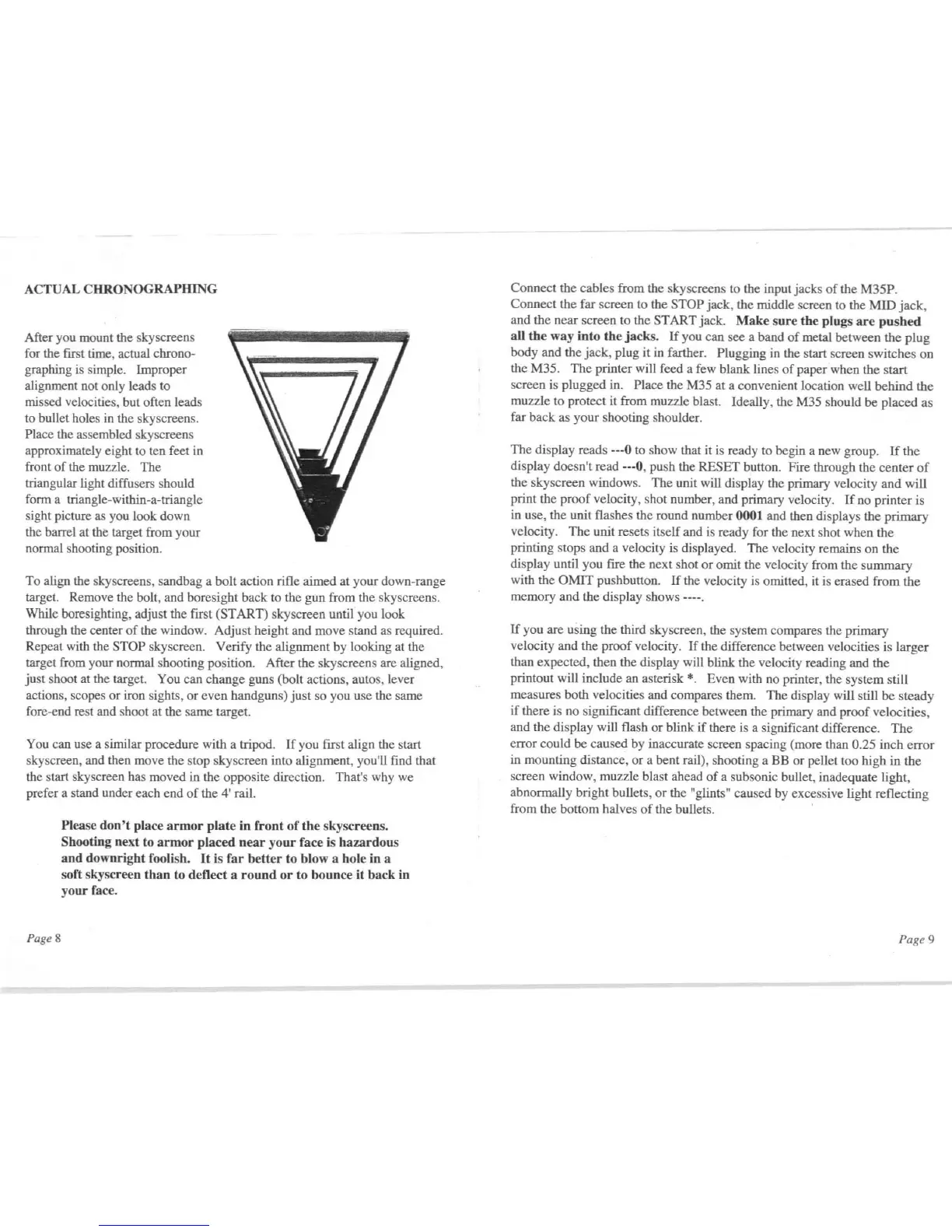
Place the assembled skyscreens
approximately eight to ten feet
in
front
of
the muzzle. The
triangular light diffusers should
fonn a triangle-within-a-triangle
sight picture as you look down
the barrel at
the target from your
nonnal shooting position.
To align the skyscreens, sandbag a bolt action rifle aimed at your down-range
target. Remove the bolt, and boresight back to the gun from the skyscreens.
While boresighting, adjust the
first (START) sky screen until you look
through the center
of
the window. Adjust height and move stand as required.
Repeat with the
STOP skyscreen. Verify the alignment by looking at the
target from your normal shooting position. After the sky screens are aligned,
just
shoot at the target. You can change guns (bolt actions, autos, lever
actions, scopes
or
iron sights,
or
even handguns)
just
so you use thc same
fore-end rest and shoot
at
the same target.
You can use a similar procedure with a tripod.
If
you ftrst align the start
skyscreen, and then move the stop skyscreen into alignment. you'
ll
ftnd that
the start sky screen has moved in the opposite direction. That's why we
prefer a stand under each end
of
the 4' rail.
Pag
eS
Please
don
'I
place
armor
plate
in
front
of
the
skyscreens.
Shooting
next
to
armor
placed
near
your
face is
hazardous
and
downright
foolish.
It
is
far
better
to
blow
a hole in a
soft skyscreen
than
to
deflect
a
rouod
or
to
bounce
it
back
in
your
face.
Connect the cables from the skyscreens to the input jacks
of
the M35P.
Connect the far screen to the
STOP jack, the middle screen to the
MID
jack,
and the near screen to the START jack.
Make
sure
the
plugs
are
pushed
all
the
way
inlo
the
jacks.
If
you can see a band
of
metal between the plug
body and the jack, plug it in farther.
Plugging in the start screen switches
on
the M35. The printer will feed a few blank lines
of
paper when the start
screen is plugged in.
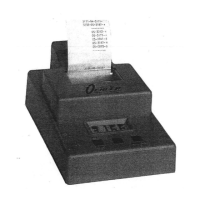
Place the M35 at a convenient location well behind the
muzzle to protect it from muzzle blast. Ideally, the M35 should be placed as
far back as your shooting shoulder.
The display reads
---0 to show that it
is
ready to begin a new group.
If
the
display doesn't read
---0, push the RESET button. Fire through the center
of
the skyscreen windows. The unit will display the primary velocity and will
print the proof velocity, shot number, and primary velocity.
If
no printer is
in use, the unit flashes the round number
0001 and then displays the primary
velocity.
The
unit resets itself and
is
ready for the next shot when the
printing stops and a velocity is displayed. The velocity remains on the
display until you
fire the next shot
or
omit the velocity from the summary
with the
OMIT
pushbutton.
If
the velocity is omitted,
it
is
erased from the
memory and the display shows ----.
If
you are using the third skyscreen, the system compares the primary
velocity and the proof velocity.
If
the difference between velocities is larger
than expected, then the display will blink the velocity reading and the
printout will include an asterisk
*.
Even with no printer, the system still
measures both velocities and compares them. The display will still be steady
if
there is no significant difference between the primary and proof velocities,
and the display will flash
or
blink
if
there
is
a significant difference.
The
error could be caused by inaccurate screen spacing (more than 0.25 inch error
in mounting distance,
or
a bent rail), shooting a BB
or
pellet too high in the
screen window, muzzle blast ahead
of
a subsonic bullet, inadequate light,
abnormally bright bullets,
or
the "glints" caused by excessive light reflecting
from the bottom halves
of
the bullets. .
Page 9


 To Next Page
 Loading...