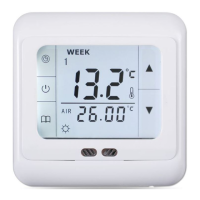
[ The common errors and solutions of the system ]
1. Fault phenomenon : There is no display
Reason & solution:
1、Power supply system is having problems or power is supplied incorrectly, please check if the inlet wire is normal.
2、If the connection is not right, please wired up as the wiring diagram on the back side.
3、Actual temperature is too low, please note the thermostat temperature range. If the temperature is lower than -5 ℃, the unit cannot
normally display.
4、Power supply box and the motherboard Coupling is not connected correctly, please connect correctly.
5、Power supply box and the motherboard Coupling are opposite inserted, please mind the direction
6、Power supply box and the motherboard Coupling is broken, please don't overexert. Coupling length is 6cm, the installation must be
careful. If damaged, no warranty and replacement
2. Fault phenomenon : Display rupture
Reason solution: Display encounters hard objects or sudden force, no replacement and warranty
3. Fault phenomenon : Display a black screen
Reason solution: If the display surface temperature is too high, please note whether there is heater nearby, if so please remove.
4. Fault phenomenon : Display ER0 or ER1
Reason solution:
ER0:If built-in sensor is abnormal, please pay attention to whether the small black dot in temperature sensing window was damaged during
removal
ER1:The system is set in the dual temperature control (ALL) mode, or it is not connected with an external sensor, or the external sensor is
abnormal.
5. Fault phenomenon : No pen on LCD
Reason solution: Please check whether the iron plate is deformation when installation. If it is deformation, please correct it.
6. Fault phenomenon : No backlight
Reason solution: Please check whether backlight lamp connection is broken when removing in the panel.
7. Fault phenomenon : Backlight always bright
Reason solution: 1、The ON is set in the system menu bL 2、If it is damaged, please replace it.
8. Fault phenomenon : Large deviation of measurement temperature and the actual temperature
Reason solution: 1、The thermostat should be installed at ventilated place. It can not be installed at the place in direct sunshine or nearby the
heater 2、Back connection screw is not locked, causing terminal serious fever
9. Fault phenomenon : Display 0 degrees
Reason solution: It is normal if thermostat display 0 degrees when the actual environment is below 0 degrees.
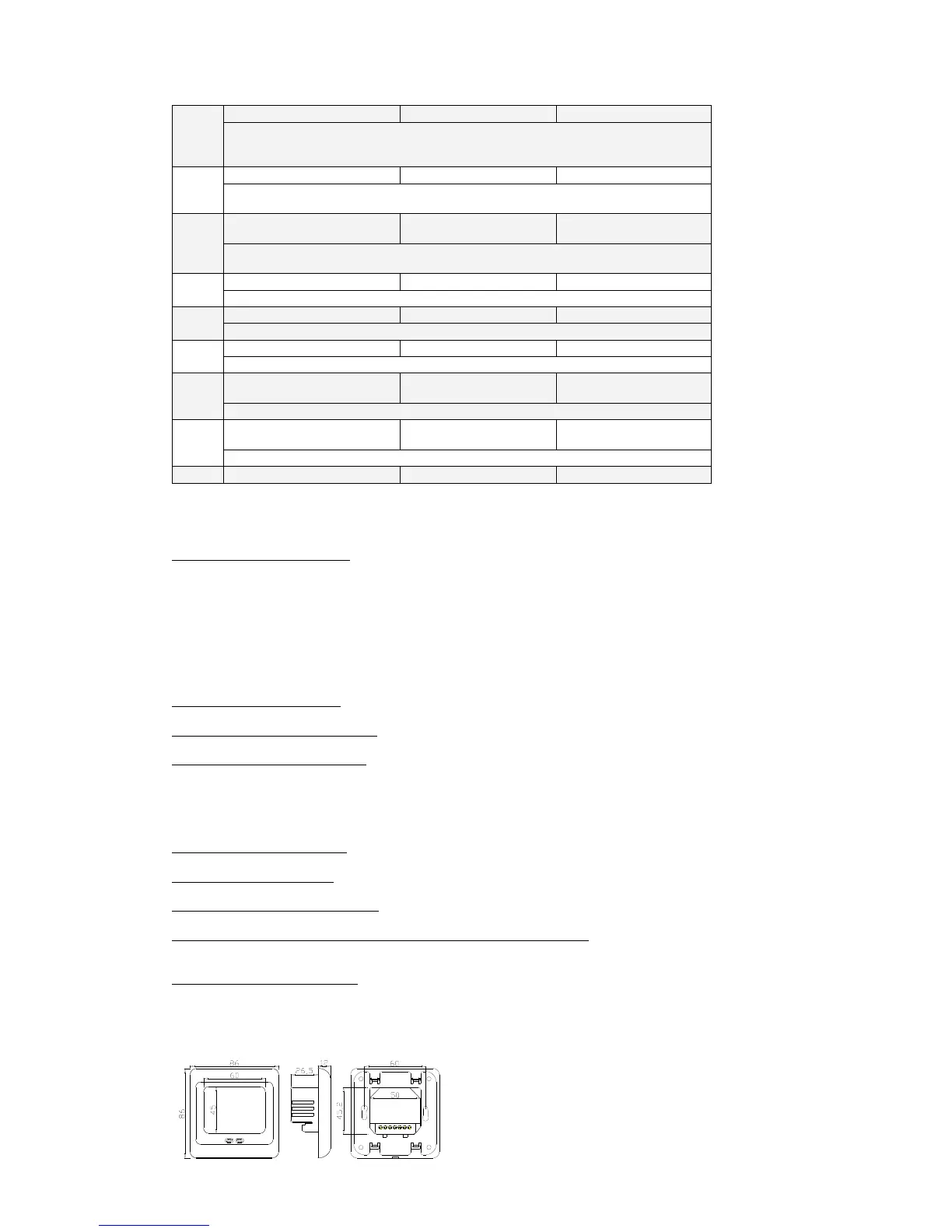
[ Dimension in mm ]


 To Next Page
 Loading...