EasyManua.ls Logo

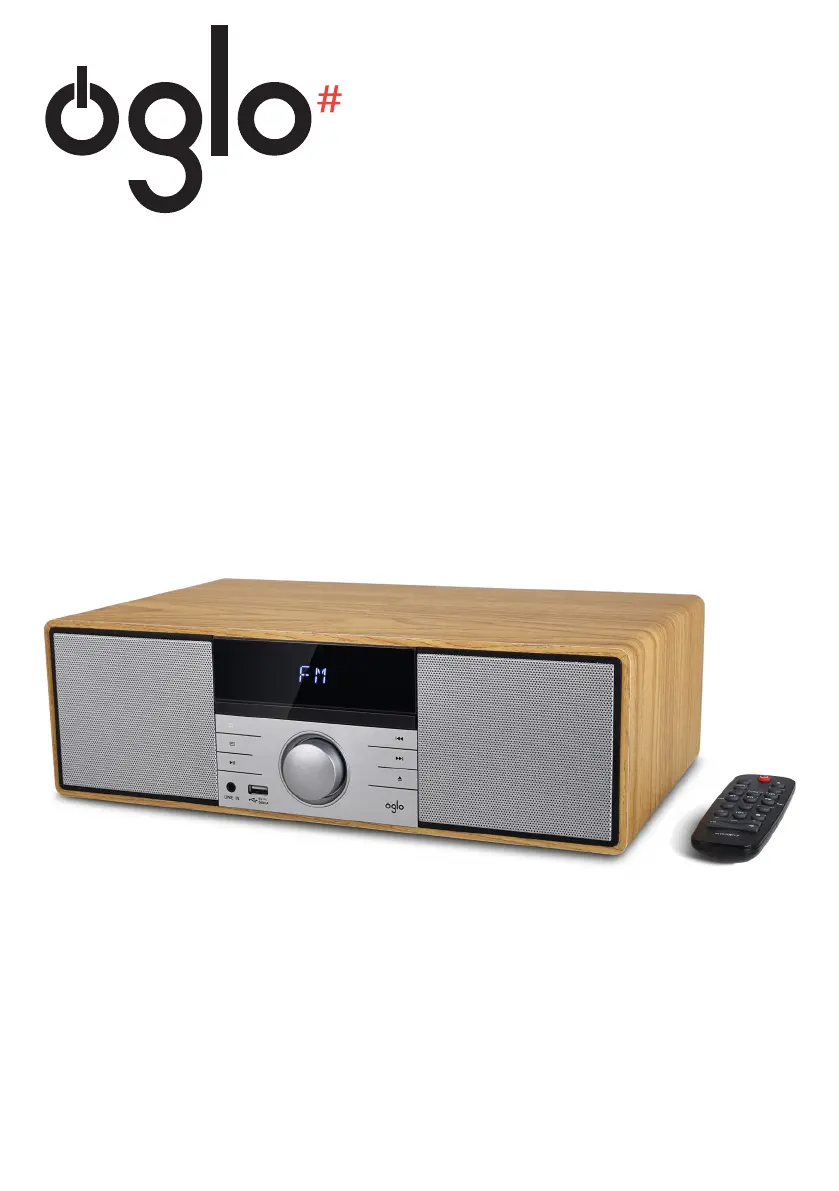
Oglo# MS-O-700-D - User Manual

Oglo# MS-O-700-D
84 pages
Go to English
Print Icon
To Next Page IconTo Next Page
Loading...
Micro-chaîne MS-O-700-D
Micro-stereo MS-O-700-D
Microcadena MS-O-700-D
Micro-Stereoanlage MS-O-700-D
Microset MS-O-700-D
Notice d’utilisation / User guide / Instrucciones de uso /
Bedienungsanleitung / Gebruiksaanwijzing

Questions and Answers

Summary

your product

Contents of the box

List of items included with the product.

Technical features

Specifications and technical details of the product.

Description of your product

FRONT VIEW

Detailed explanation of the front panel components and their functions.

REAR VIEW

The remote control

Introduction to the remote control for operating the appliance.

Remote Control Functions

Remote Control Setup

Inserting the Battery

Step-by-step guide for installing the battery in the remote control.

Using the Remote Control

Instructions on how to aim and use the remote control effectively.

basic use

Switching the appliance on or off

Procedure for powering the appliance on, off, and standby modes.

Selecting an audio source

How to choose between different input sources like CD, LINE IN, BLUETOOTH, USB, FM.

Adjusting the volume

Methods for increasing, decreasing, and muting the audio volume.

Modifying the sound effects

How to select different EQ presets like ROCK, POP, CLASSIC.

Setting the time

Instructions for setting the appliance's clock and time format.

Advanced Features

Selecting a sleep timer

How to set an automatic shut-off timer for the appliance.

Setting the alarm

Procedure for configuring the alarm function.

Playing an audio CD

Guide to inserting, loading, and playing audio CDs, including MP3s.

Radio and Playlist Functions

Programming a playlist

Steps to create a custom playback sequence for tracks.

Listening to FM radio

Instructions for connecting the antenna and tuning into FM stations.

Performing a full scan on the FM band

How to automatically scan and store available FM radio stations.

Search for a radio station automatically

Method for scanning for radio stations using buttons.

Searching for a radio station manually

Procedure for manually tuning FM frequencies.

Connectivity and Playback

Storing radio stations automatically

Process for saving tuned FM radio stations to memory.

Listening to a saved frequency

How to select and play previously stored radio stations.

Establishing a Bluetooth connection

Guide to pairing the mini-stereo with Bluetooth audio devices.

Bluetooth and USB Media

Using the remote control in Bluetooth* mode

Specific remote functions applicable when connected via Bluetooth.

Incoming call detection

How music playback is handled during phone calls.

Cancelling the active Bluetooth* connection

Procedure for disconnecting from a paired Bluetooth device.

USB Media Playback

Connecting a USB removable media

Instructions for connecting and playing music from USB storage devices.

Auxiliary Connection

Connecting the mini-stereo to an auxiliary source

How to connect external audio players using a 3.5mm jack.

Maintenance and Cleaning

Cleaning the appliance

Guidelines for safely cleaning the exterior of the mini-stereo.

Disk Handling and Care

Proper procedures for handling, cleaning, and storing discs for optimal playback.

troubleshooting guide

simplified EU declaration of conformity

Oglo# MS-O-700-D Specifications

General IconGeneral
BrandOglo#
ModelMS-O-700-D
CategoryStereo System
LanguageEnglish

Related product manuals