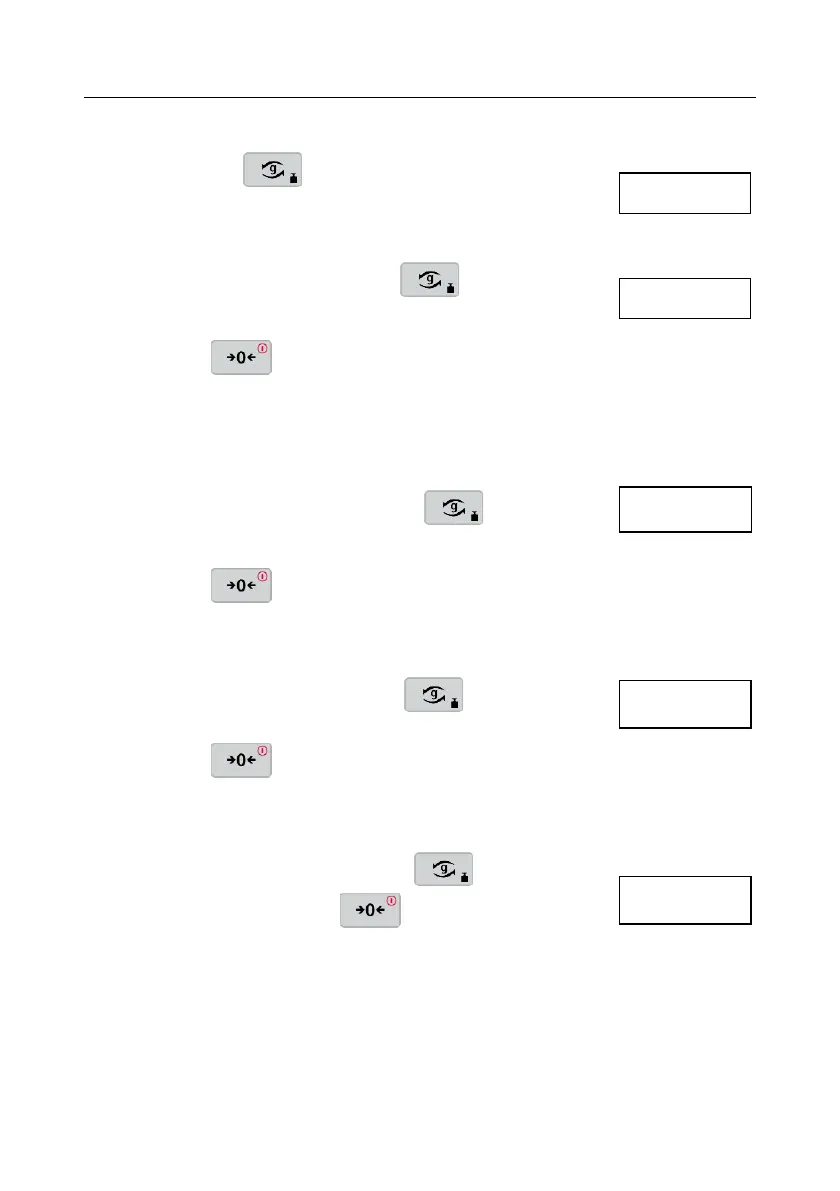
Press and hold the button until mMeNU is dsplayed.
Release the button, first menu CAL will be displayed.
b.Auto Menu
When CAL is displayed, press to move to next
menu b.Auto.
Press to set the backlight to auto mode and
return to current weighing mode. The scale will turn on
the backlight automatically with any button operation
and weighing operation.
b.ON Menu
When b.Auto is displayed, press to move to
next menu b.ON.
Press to set the backlight always on and
return to current weighing mode.
b.OFF Menu
When b.ON is displayed, press to move to
next menu b.OFF.
Press to set the backlight always off and
return to current weighing mode.
End Menu
When b.OFF is displayed, press to move to
next menu End. Press to return to current
weighing mode.
4. SERVICE INFORMATION
If the troubleshooting section does not resolve your problem, contact an Authorized
OHAUS Service Agent. Please visit our website www.ohaus.com to locate the
OHAUS office nearest you.





 To Next Page