27
EN
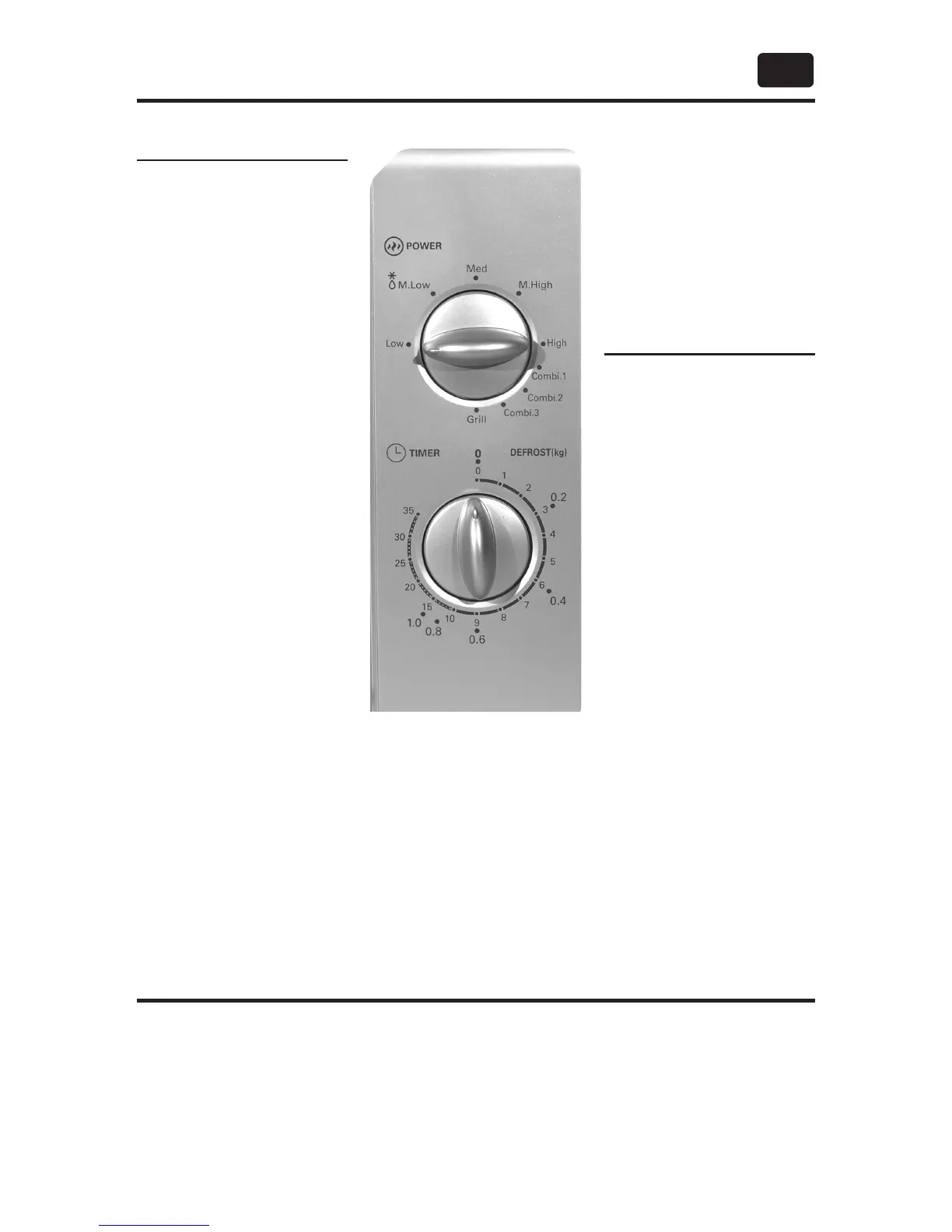
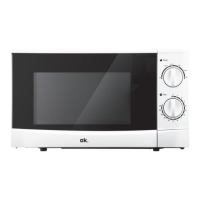
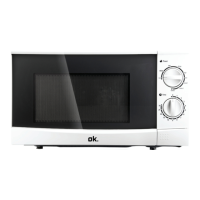
CONTROL PANEL
TIME SELECTOR
SWITCH
Use TIME selector
switch to switch oven
on or off (0). Turn clock-
wise to select cooking
duration (minutes). To
set short time periods,
first turn switch to
position 5, and then turn
back to the desired
lower setting. When
cooking duration has
elapsed (0), the oven
will switch off
automatically. You may
terminate cooking
process at any time by
turning the switch
manually back to
position 0.
Rated voltage: 230 V ~ , 50 Hz / Rated power input: 1050 W (Micro), 1000 W
(Grill) / Rated power output: 700 W / Operation frequency: 2450 MHz /
Outside dimensions: 258 mm (H) x 440 mm (W) x 356 mm (D) / Turntable
Diameter: Ø 255 mm / Oven capacity: 20 L / Net weight: Approx. 10.5 kg
SPECIFICATIONS
POWER SELECTOR
SWITCH
Turn switch to select
power level for cooking
or defrosting. Please
refer to chapter
MICROWAVE COOKING.
Defrost by weight - 5 levels can be selected, 0.2 kg, 0.4 kg, 0.6 kg, 0.8 kg, 1.0 kg.
For example, if the weight of food is 0.2 kg, turn the timer knob to 0.2.
Defrost by weight - 5
levels can be selected,
0.2 kg, 0.4 kg, 0.6 kg,
0.8 kg, 1.0 kg.
For example, if the
weight of food is 0.2 kg,
turn the timer knob to
0.2.


 To Next Page