EasyManua.ls Logo

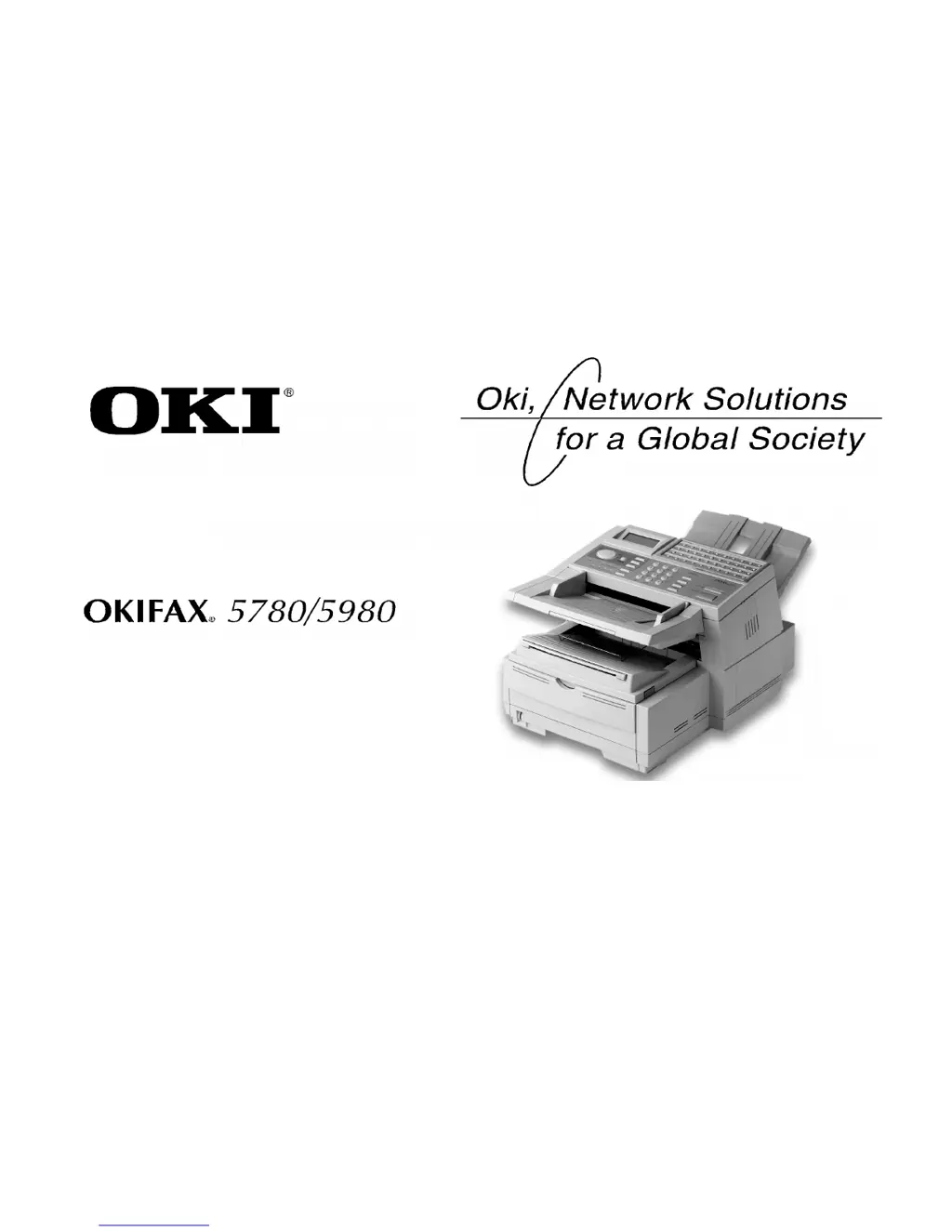
Oki OKIFAX 5780 - User Manual

Oki OKIFAX 5780
256 pages
Print Icon
To Next Page IconTo Next Page
Loading...
5780_5980.tif
User’s
Guide
P/N 59336802

Table of Contents

Questions and Answers

  • T
    Tracy MunozSep 3, 2025
    How to improve image quality when faxing with Oki OKIFAX 5780 Fax Machine?
    • J
      Janet WilliamsonSep 4, 2025
      If your Oki Fax Machine image of the document printed by the remote machine is very poor, try changing the Resolution and Type of Original settings. Copy the document on the machine to determine how it will transmit.
  • B
    Brad MillerSep 18, 2025
    What does 'invalid image drum' mean on my Oki OKIFAX 5780 Fax Machine?
    • E
      Erica MillerSep 18, 2025
      A image drum that is not specified for use in this fax machine has been installed. Contact the nearest supplier for service.
  • C
    Christine RamosSep 16, 2025
    What does 'invalid toner cartridge' mean on my Oki OKIFAX 5780?
    • K
      Karla LynnSep 16, 2025
      A toner cartridge that is not specified for use in this fax machine has been installed. Contact the nearest supplier for service.
  • A
    Andres WalkerSep 14, 2025
    What to do if control panel keys are not working on Oki OKIFAX 5780?
    • A
      aprilbautistaSep 14, 2025
      If nothing happens when you press the control panel keys on your Oki Fax Machine, turn the machine off, wait 10 seconds, and then turn it on again.
  • T
    Tammy GarciaSep 12, 2025
    How to dial out when Oki Fax Machine is connected to PBX?
    • C
      ckleinSep 12, 2025
      If your Oki Fax Machine is connected to a PBX but it is not possible to dial out, be certain that the dial prefix is entered before the telephone number for each number dialled or programmed into the machine.
  • S
    Steven JacksonSep 12, 2025
    Why won't my Oki OKIFAX 5780 Fax Machine poll a remote machine?
    • D
      David GraySep 12, 2025
      If your Oki Fax Machine will not poll a remote machine, call the person at the remote machine and make sure that they have loaded documents and that their machine is set to polling transmission mode.
  • A
    Alejandro LittleSep 9, 2025
    Why didn't my Oki OKIFAX 5780 send the delayed transmission?
    • C
      Cody GilmoreSep 9, 2025
      If your Oki Fax Machine is set for delayed transmission but it did not send, check the display to ensure the machine’s clock is set to the correct time.
  • J
    James BrooksSep 7, 2025
    Why is speed dial not working on my Oki Fax Machine?
    • A
      anitaleachSep 7, 2025
      If you tried dialling with a Speed Dial number on your Oki Fax Machine but nothing happened, make sure that the Speed Dial number is programmed correctly. When dialling a two or three digit number, be sure to press Speed Dial before entering the number.
  • M
    Matthew WhiteSep 5, 2025
    How to improve the image quality of received faxes on my Oki OKIFAX 5780?
    • J
      John RiosSep 6, 2025
      If the image of a received fax on your Oki Fax Machine is very poor, contact the person sending the fax and ask them to change their Transmit Resolution and Type of Original settings.
  • I
    Ian VillegasAug 20, 2025
    How to fix a blank display on Oki Fax Machine?
    • J
      Jacob GriffithAug 21, 2025
      To resolve a blank display on your Oki Fax Machine, ensure the power cable is securely connected to both the machine and the wall socket. Verify that the wall socket has power and that both the wall socket and the machine are switched on.

Oki OKIFAX 5780 Specifications

General IconGeneral
BrandOki
ModelOKIFAX 5780
CategoryFax Machine
LanguageEnglish

Related product manuals