
 Need help?
Do you have a question about the OKphone 524 and is the answer not in the manual?
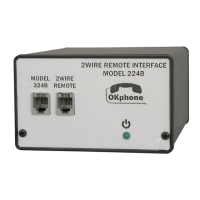
Connects 524 to 2W 224 REMOTE INTERFACE or CO via MODE switch toggle.
524 dials stored number; MODE switch to {A} terminates call if busy.
2W Remote Phone operator must enter BRIDGE PASSKEY within 30s to prevent call termination.
After PASSKEY entry, 524 signals [2W-4W BRIDGE] with green LED & confirmation tones.
Lists six methods for terminating the 2W connection, including switch toggle and phone hang-up.
4W Terminal signals 524 with SS4 STATION ID (36) in unmanned locations.
Determine COM port for 524 communication by checking available ports in TERA TERM before connecting USB.
Connect the USB cable from PC to 524 while powered down to allow Windows initialization.
Restart TERA TERM, select SETUP, and choose the new COMx port for 524 communication.
Power on the 524; RED/GREEN LEDs indicate initialization, ending with solid RED.
A 3 DIGIT PASSKEY, e.g., #xxx, must be entered before programming can commence.
 General
| Brand | OKphone |
|---|---|
| Model | 524 |
| Category | Media Converter |
| Language | English |

 To Next Page