English
11
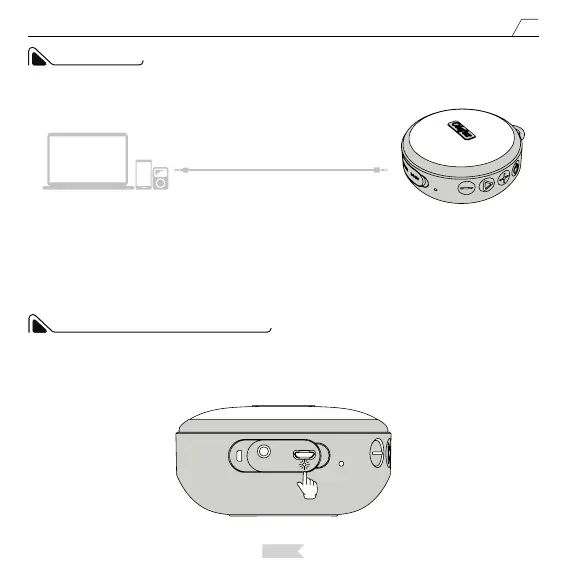
Connect with the 3.5 mm audio cable via the AUX port to swift to the AUX Mode. You can press the Power
Button to swift modes.
In AUX Modes, when the music is playing, the blue indicator light will ash slowly, and in the mute mode, the
blue indicator light will be on constantly.
AUX MODE
Audio Devices
AUX
OLAFUS-02SK
When charging the speaker, the red indicator light will be on constantly, and it will turn o after the speaker is
fully charged.
CHARGING INDICATOR LIGHT
Red Light Turns On.


 To Next Page