With the thermostat in the OFF condition, press the OFF key and keep it pressed. After about 10
seconds, the display will show the firmware version on the left of the screen (large characters) and
the set operating mode on the right (small characters). If no key is pressed for about 30 seconds, the
device goes back to the OFF condition; otherwise, keys V+ and V- can be used to browse through the
list of parameters, which can be changed by means of keys T+ and T-. Once all parameters have been
changed, press A/M key to store them and return to normal operation, or press the OFF key to return
to normal operation without making any changes to the parameters.
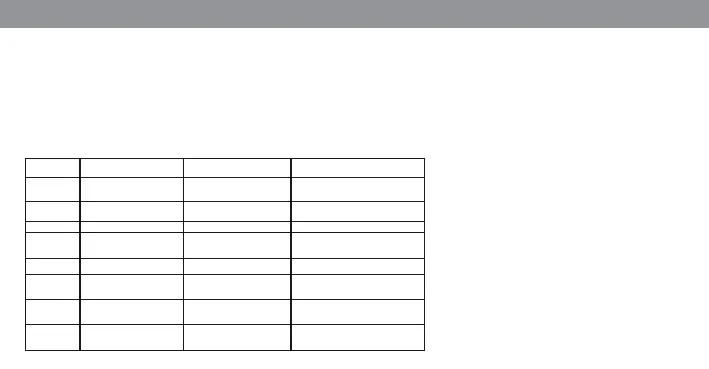
MODIFICATION OF OPERATING PARAMETERS
WARNING!
The temperature parameters
are always expressed as °C or °F
depending upon the unit of me-
asure selected (parameter 3).
P3
°
C
1 = °C
2 = °F
P4
P0 0,5 K 0,4K-1K (if ° F 0,7K-1,8K)
P1 1 K 0,4K-1K (if ° F 0,7K-1,8K)
P2
P5
P6
30°C
-2K
30
-5,0 ÷ +5,0 K
P7 20°C 10 ÷ 30°C
÷
50°C
Parameter
Description
Manufacturer’s setting From - to
Temperature unit of
measure
Room temperature
offset
Max. water temperature
threshold (SUMMER)
Not used
Regulation differential
Fan control hysteresis
Not used
Min. water temperature
threshold (WINTER)


 To Next Page