PARENTAL LOCK
This player lets you set the Parental Lock if the
DVD has a parental lock level recorded on it. With
Parental Lock capable discs, you can block access
to material you feel is inappropriate for your children.
Refer to the DVD disc jacket and the accompanying
documentation to see if a particular disc contains a
parental lock level. The initial password is 3308.
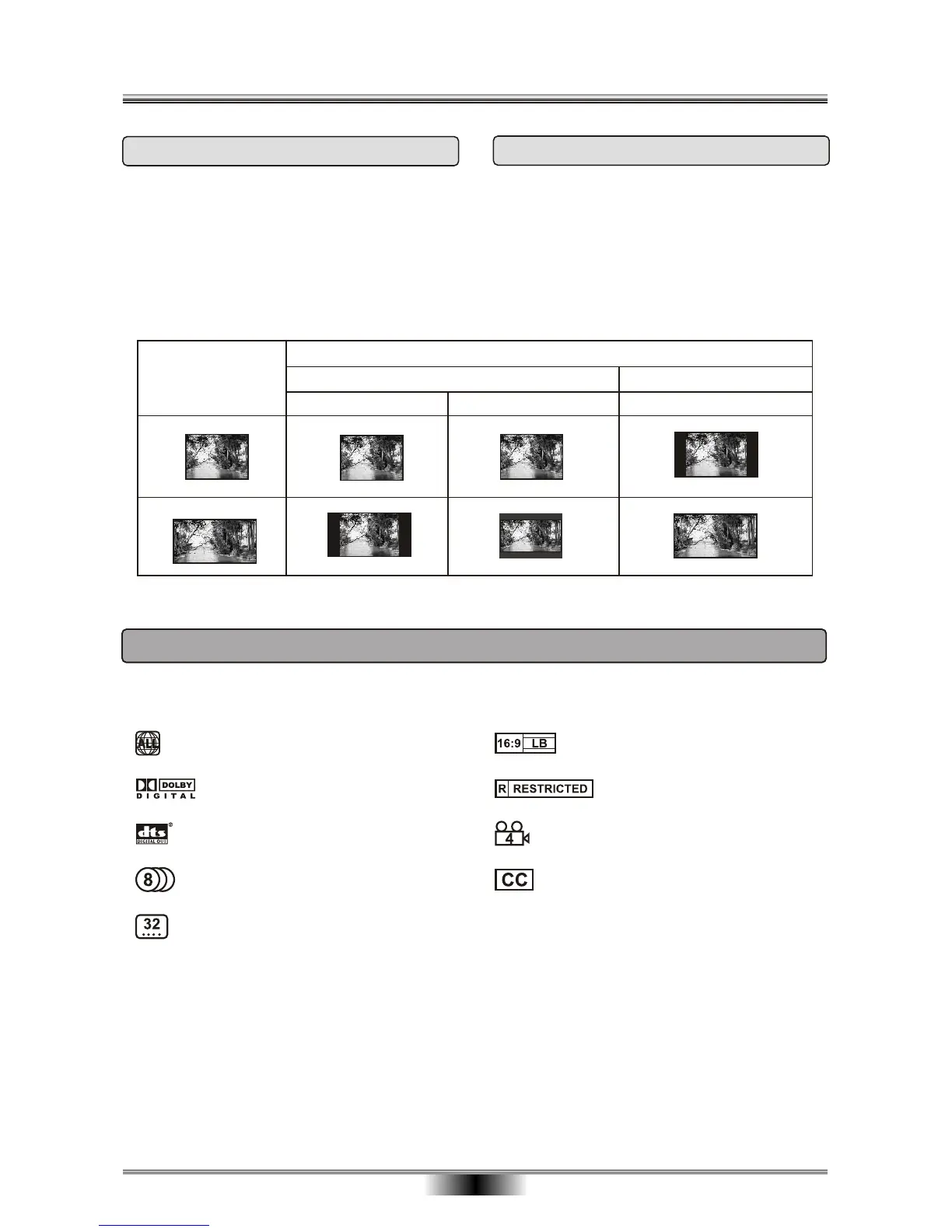
SETTING THE TV SCREEN SIZE
Multi-aspect ratio suit to different TV screen size.
There are many functions available on DVD discs and the functions vary per player and per manufacturer.
Regional code and signal system
Picture proportion modes
Parent lock
Angles for viewing
Closed Caption
Dolby digital surround sound
DTS output
Number of languages
Subtitle languages
24
Letter-box Wide Screen
Picture format
on Disc
TV Screen Size
4:3
4:3
16:9
16:9
Pan Scan
PARENTAL LOCK & SCREEN SIZE
Functions supported by this device



 To Next Page