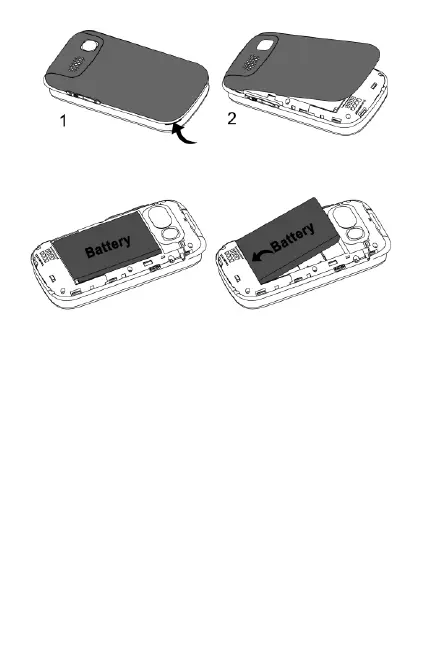
Step 2 – Remove the battery
The SIM slot can now be seen in the
top left corner of the exposed phone
interior.
Step 3 - Insert the SIM card (Nano
size) 1. Slide silver clip (in SIM slot) to
the left.
2. Move silver clip to a vertical position
(hinge from left side).
3. Insert Nano SIM card, gold chip
facing down, cut out on top right corner.
4. Return silver clip to horizontal
position so it is flush with the SIM and



 To Next Page