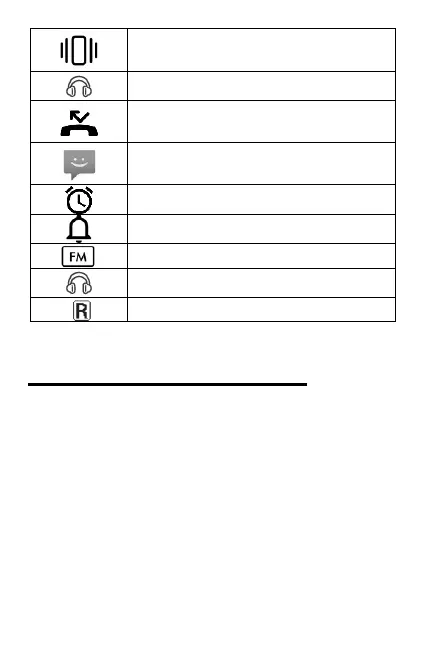
Indicates silent mode is
activated
Headphones are plugged in
You have an unacknowledged
missed call (on main screen)
You have an unread text
message (on main screen)
Headphones are plugged in
Setting up the phone
Insert SIM card
Step 1 - Remove the back phone
cover. To do so, find the small recess in
the bottom left corner of the phone
(white edge). Using the back opening
tool (resembles guitar pick), lever the
back cover off. Please note it may be
difficult to initially remove back cover.



 To Next Page