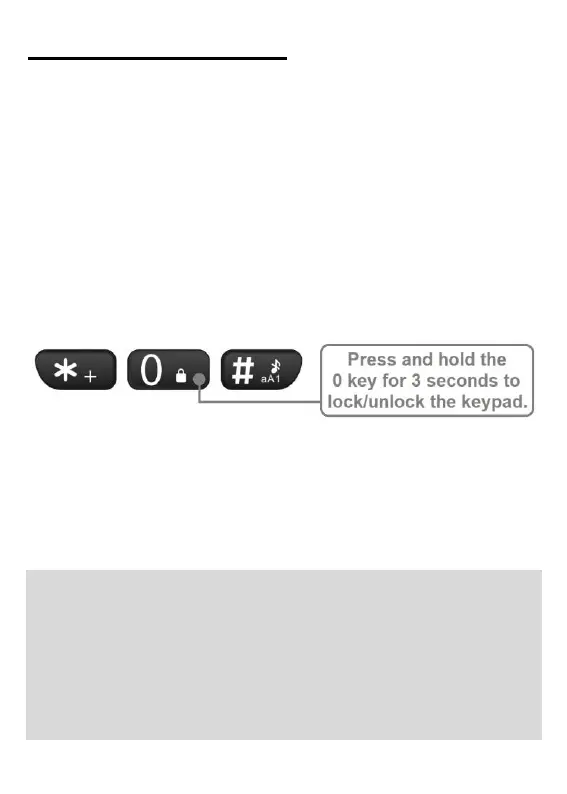
Lock/unlock keypad
It is recommended to lock the keypad on the
EasyMate 2 when the phone is not being actively
used. Locking the keypad prevents keys from
being accidently pressed and functions being
unintentionally activated.
To lock/unlock the keypad, when on the home
screen press and hold the 0 (zero) key for 3
seconds. A message will briefly appear on
screen confirming the lock status.
Additional methods of locking the phone can be
programmed. These include Auto keypad lock
and Lock screen by end-key. See pages 73 -
74 in the EasyMate 2 User Manual for additional
information.
Note: When the keypad is locked, the following
functions can be performed without unlocking
the keypad first:
• calls can be answered/rejected;
• the emergency key can be activated;
• 000 or 112 can be dialled; and



 To Next Page