ENGLISH 1
Power on and Printing
The main ON-OFF switch is on the rear of the machine.
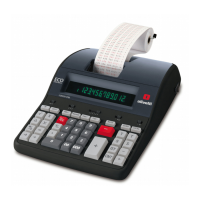
Printing is controlled by the selector switch at the top left of the keyboard (NP – P).
Loading Paper
1. Plug in the calculator and turn it on.
2. Cut, or tear evenly, the end of the paper roll to get a straight, even edge for proper
feeding under the print head.
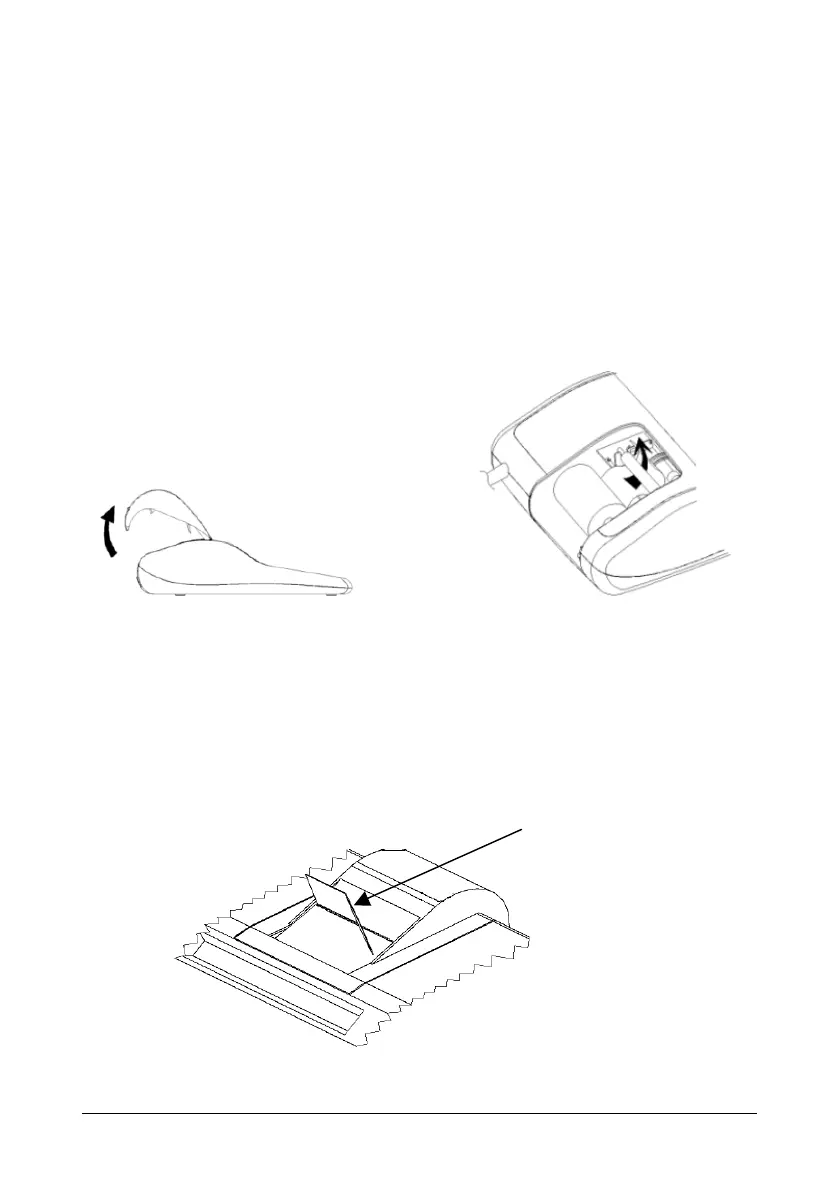
3. Holding the paper roll in one hand, feed the paper from the bottom of the roll and insert it
the paper slot at the back of the calculator.
4. Press paper feed key until the paper catches and advances through the printer.
5. Fit the paper roll between the pair of paper holders.
Tearing off the Paper correctly
1. Upon completion of your calculation, tear off the receipt paper along the cutting edge of
the print mechanism’s cutter. Be careful to avoid pulling the paper. The following figure
shows the correct way to tear off the paper.
Tearing direction


 To Next Page